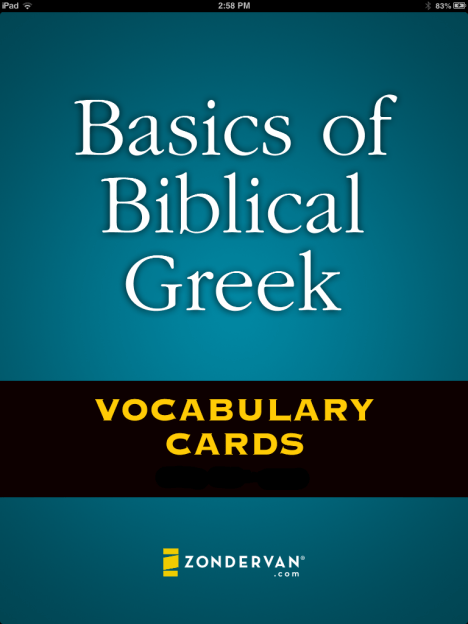
Vocabulary cards have done wonders for my efforts to learn Greek and Hebrew. (And, really, anything else I put on a two-sided card.) Over the coming weeks and months, I’ll be reviewing a number of Greek and Hebrew vocabulary apps for iOS, with the iPad specifically in view. Today I review Zondervan’s Basics of Biblical Greek Vocabulary Cards app.
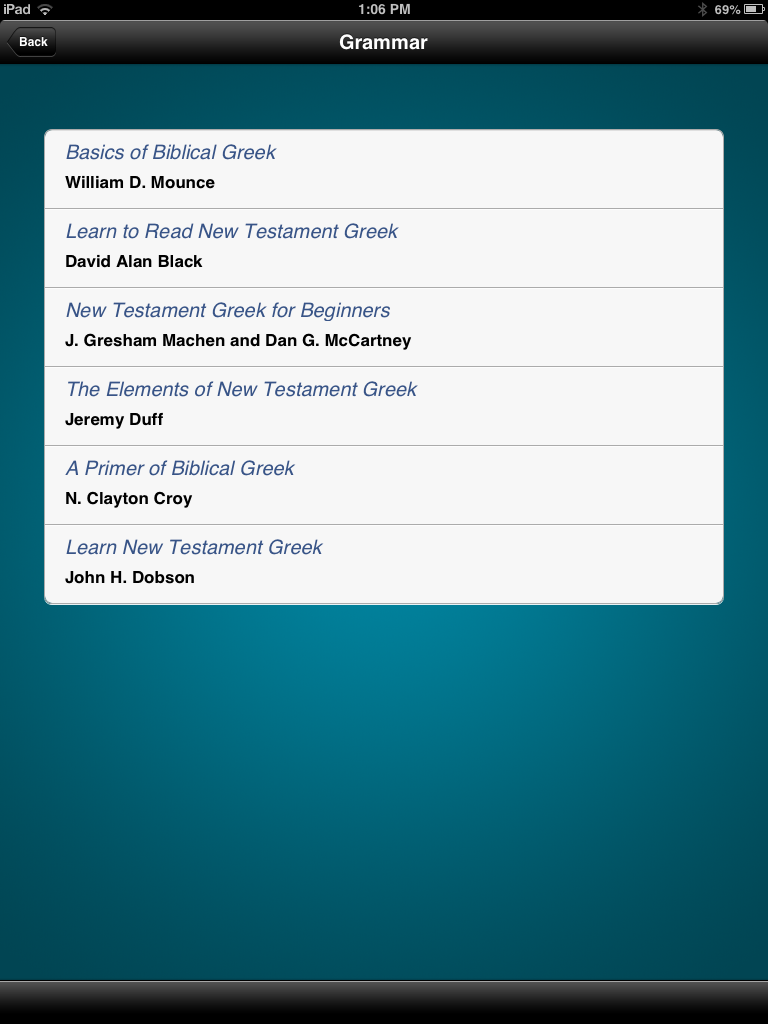
The above picture is the opening screen, following the branding and design of the popular textbook by William D. Mounce. Yet it is additionally keyed to five other popular beginning Greek grammars. This makes the app flexible to a number of students, so that they can be learning their exact vocabulary lists as presented by any of these textbooks. You can select the a book in the settings section:

Words first appear on the screen like this:
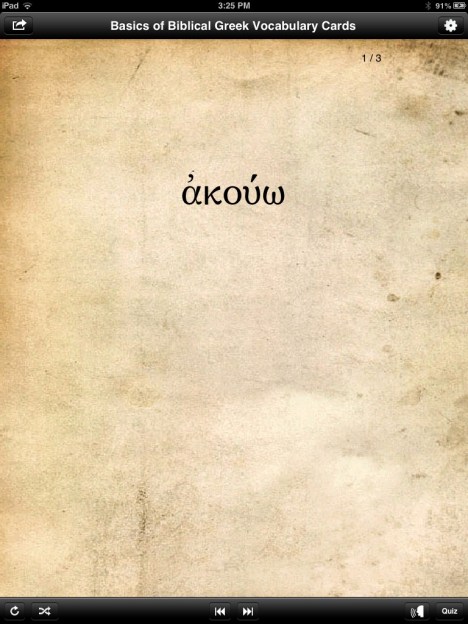
Then by tapping or swiping up or down, the English meaning is revealed:
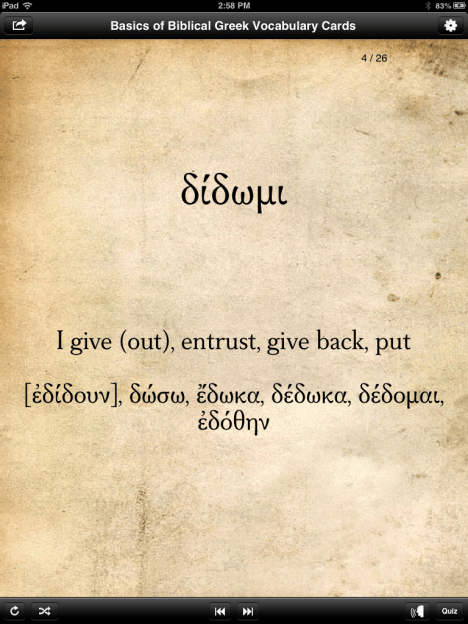
Swiping left or right from a Greek word goes just through the Greek words and doesn’t show English. (Tapping the double arrow keys at the bottom of the screen does the same.)
From what I can tell, the gloss (English “meaning”/equivalent) stays the same regardless of which grammar you select. This may be a rights or permission issue–that Zondervan would just use Mounce’s word glosses, even with the other grammars–but users of other textbooks besides Mounce’s should be aware of this.
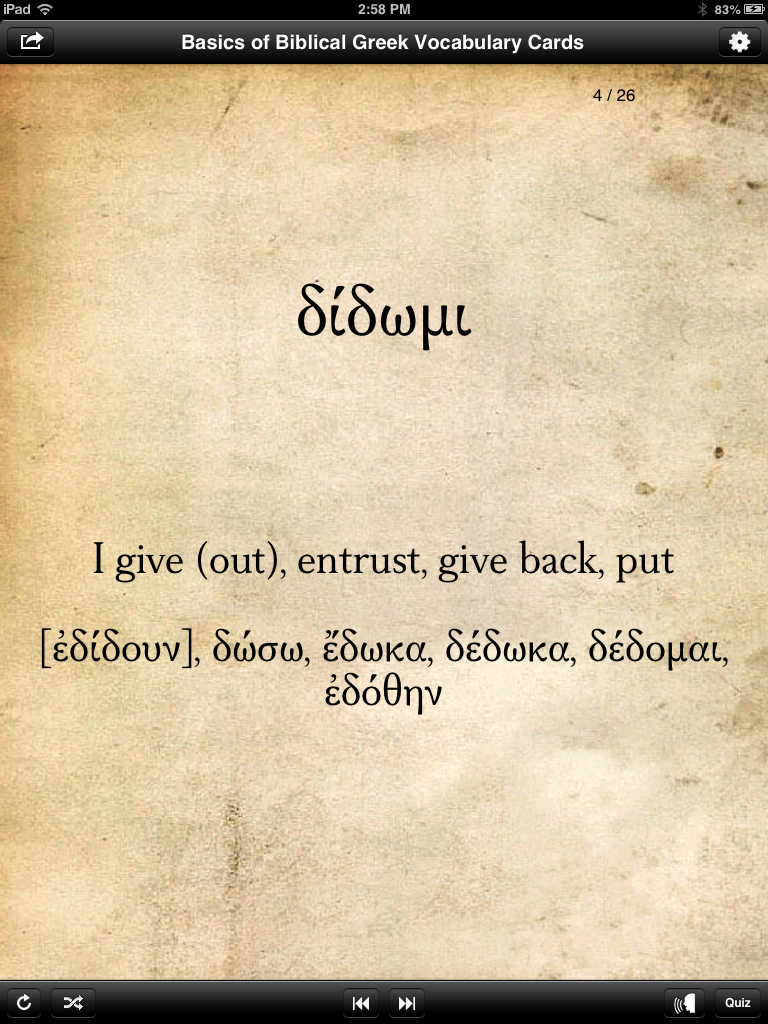
Verbs helpfully come with principal parts, displayed once you tap or swipe to show the English:
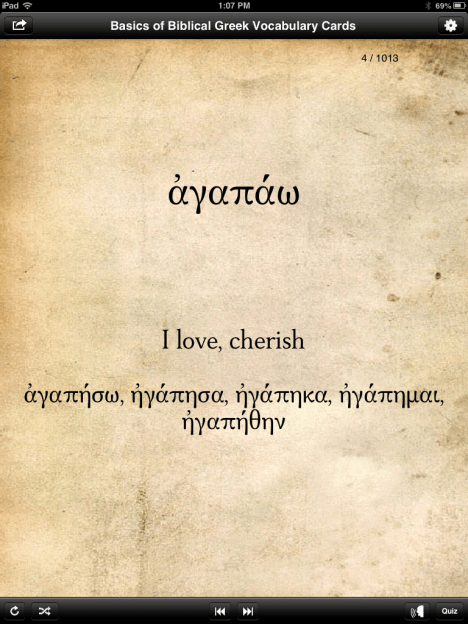
Note also the audio icon on the bottom right of the screen above (just to the left of the “Quiz” button). For any given card, tapping on that icon plays an audio pronunciation of the word, which is a nice add-on, compared to the print cards. You can also set pronunciations to “on” in the preferences section, so that you automatically hear it every time you show a new word.
There is a glitch when switching to landscape mode. The same card as above looks like this in landscape orientation:

That’s a pretty noticeable bug for such a simple and common function/gesture on an iPad, so I hope Zondervan fixes it soon. Along similar lines, another un-iPadlike bit of behavior is that if you close a case/cover to put your screen to sleep while the app is open, when you wake up the iPad, it shows the opening screen every time. It does remember your place, but to see the opening screen in such an instance seems odd. I don’t know of any other apps that do that.
Here is the “Sort” screen that shows all the ways you can customize the set of cards you want to go through. This is the app’s greatest strength.
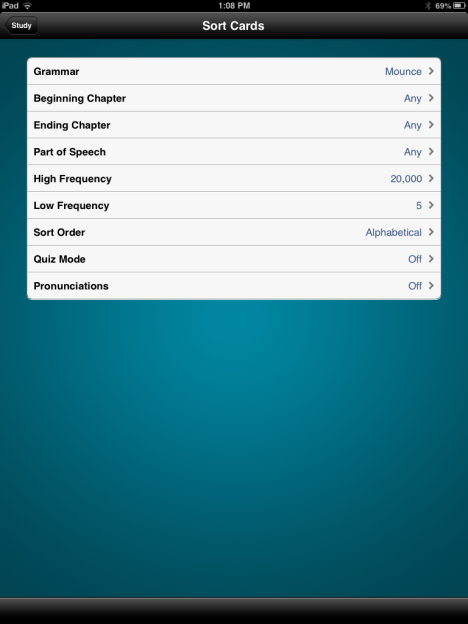
As you can see, you can sort not only by grammar, but also by chapter. For someone going sequentially through a textbook, this is a good feature. (It has the same effect as just “pulling” given chapters from one’s vocab card deck, though note that you can only select consecutive chapters here.) You can also quiz yourself by a single part of speech: “any,” noun, verb, adjective, adverb, preposition, or particle.
There are frequency settings, too, so that one can easily isolate words that appear just 50 to 100 times in the New Testament, for example.
I experienced it as a fairly significant loss (compared to the print cards) that these cards do not have frequency information on them. On the print cards you can see how many times a word appears in the Greek New Testament. Here there is no way to do so. You can set the frequency of what words you’ll study, but if you selected words with 50-500 occurrences, there would be no way to differentiate from within that set. The best you can do is to study a set within a range of frequencies by descending frequency (i.e., with most frequent words coming first in the “deck” you create for yourself).
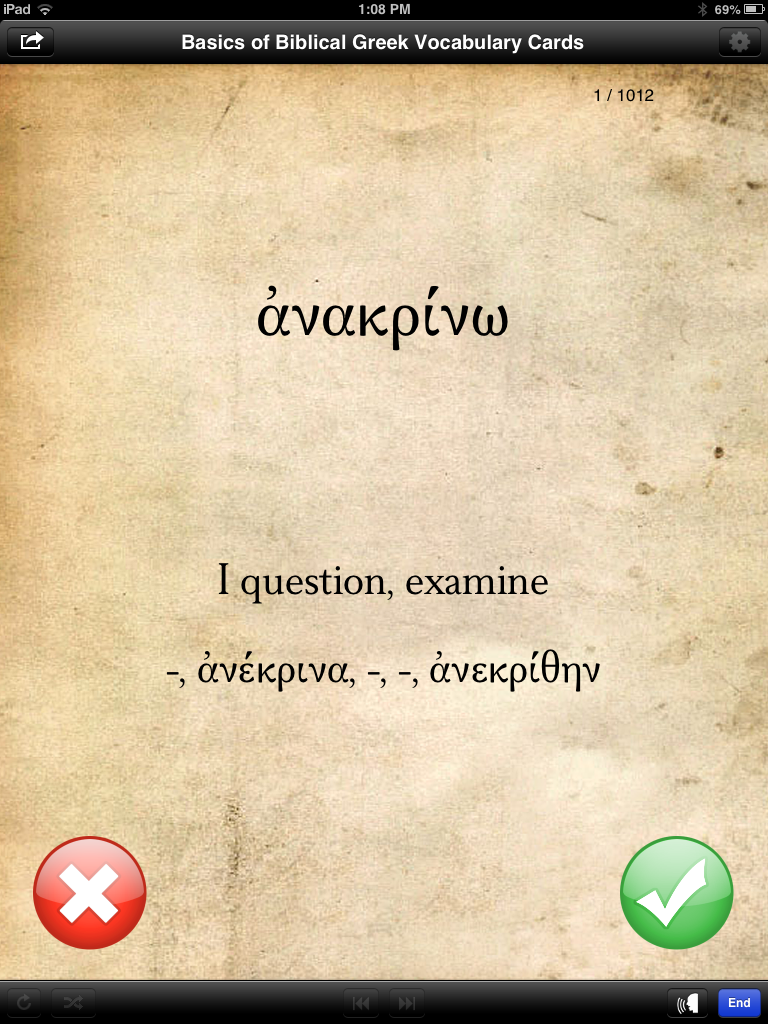
Here’s what a card looks like when you send it into “Quiz Mode”:

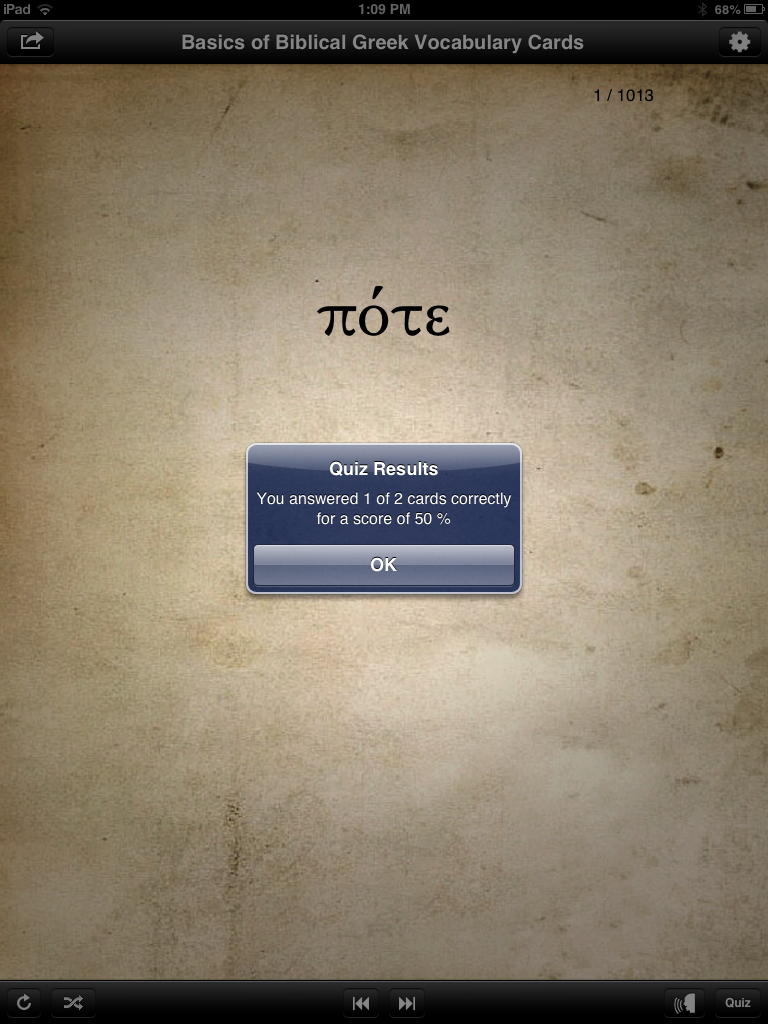
This feature works well and is a good way to track progress. You see the Greek first, then tap or swipe to see the English, then tap the red X or green check mark to show if you got it right or wrong. Then the app tracks your answers for a quiz score when you’re done:

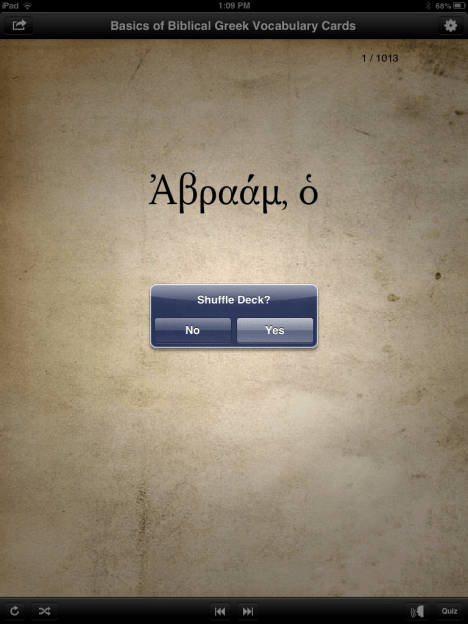
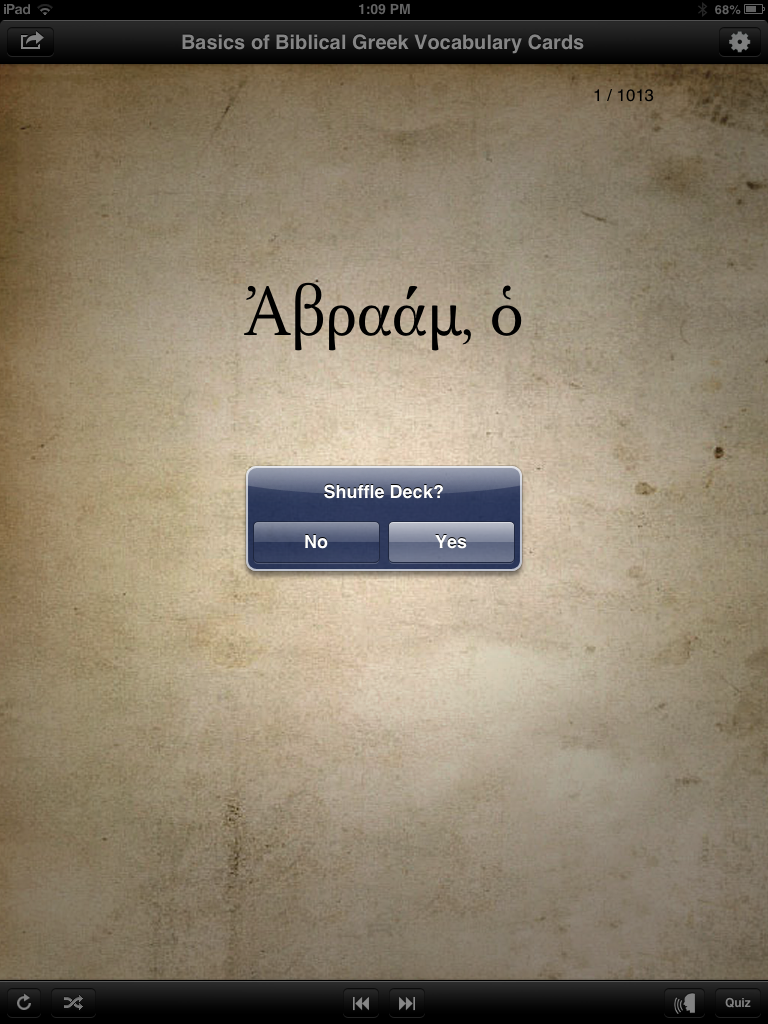
Using the icons at the bottom left of the above shot, you can either reset or shuffle a given deck:
At $20, the Basics of Biblical Greek app is more expensive than most iPad apps a person would buy. There are other vocabulary app options on the market that do a similar thing (with even more customizability) for a lower price. I’ll explore some of those options in the future. I’m not convinced that the $20 is warranted with the app in its current iteration–I’d like to see a fix of the landscape mode option, as well as the addition of frequency statistics for individual words. The font is easy to read (though not the same font as used in Mounce’s materials), and the audio pronunciation is a nice addition.
8/27/13 UPDATE: I’ve heard from a developer that an update to the app will be released very soon that includes word frequency counts on the individual cards, fixes the landscape orientation bug shown above, and an English to Greek vocabulary card function. (This last one is a great idea, especially.) I know the developers are open to suggestions, so if you have used this app and have any ideas, feel free to leave a comment here. Future updates to the app will include additional features, as well.
The app is here, via the iTunes store. If and as it receives any future updates, I’ll post about them here.
Thanks to Zondervan for the complimentary app, given to me for the purposes of a review, with no expectations or pressures as to the content of this review.








 Words on the Word