Fountain Pen Review: Kaweco STUDENT Fountain Pen Vintage Blue (Extra Fine)

Ah, Kaweco: The German writing implement company is almost a century older than I am, yet I just learned of them this last year. Now in addition to my review of their SKETCH UP pencil, I bring you a review of the Kaweco STUDENT Fountain Pen. The color of the pen is Vintage Blue; the nib is Extra Fine.


The STUDENT Fountain Pen’s Construction


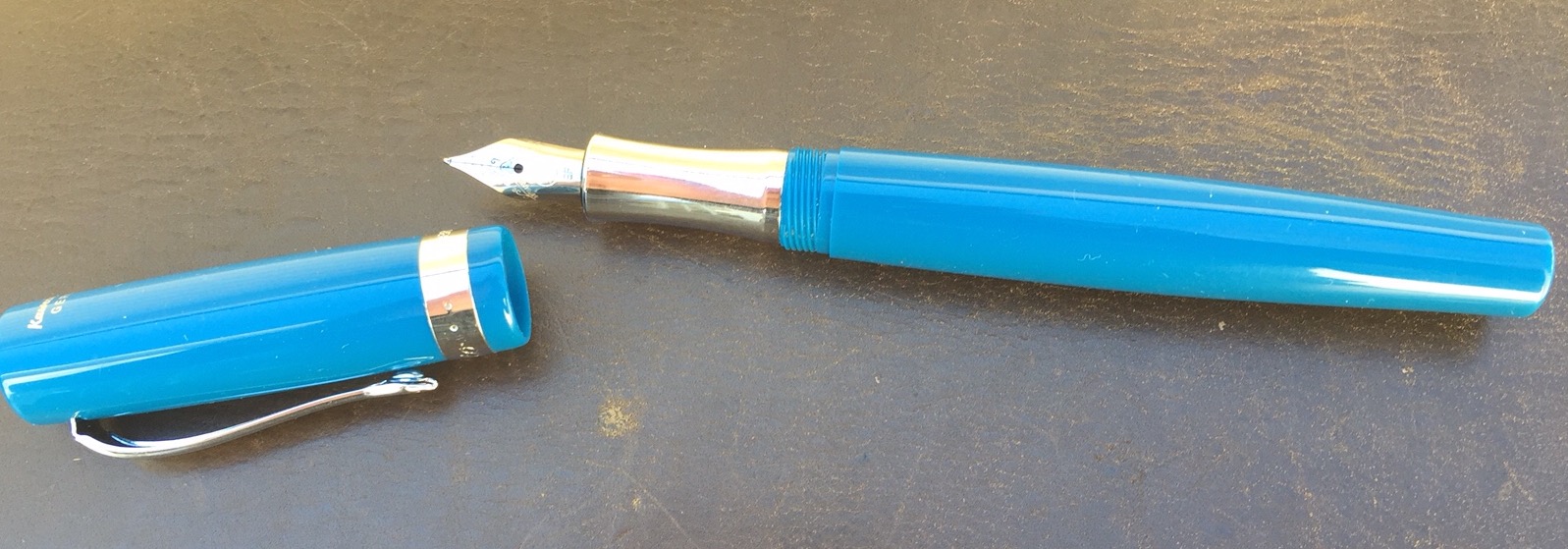
The STUDENT Fountain Pen feels just about perfect in the hand–ballpoint pen writers will find it to be of suitable length. It’s sturdy but not heavy.

And it looks great:
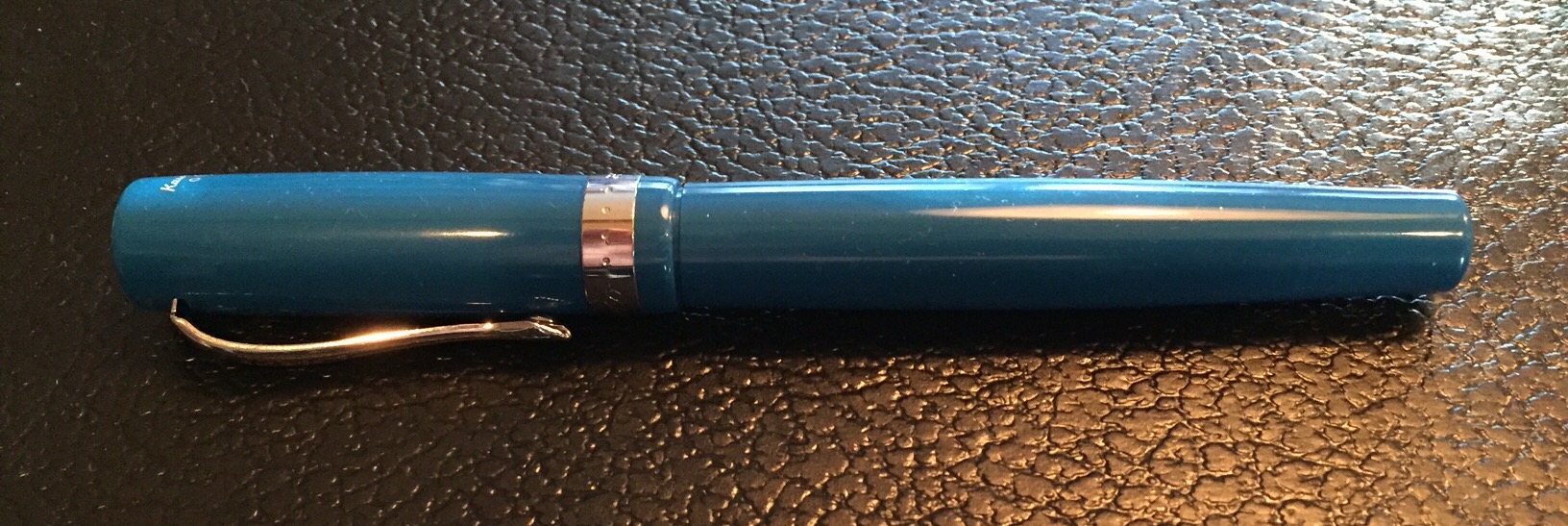
 

Cap On


Here it is with the cap off:


Cap Off


It can fit just fine into a pants pocket, though you may not want it bumping up against your keys. (I prefer a case for my fountain pens.) You will notice in the image above that there is a built-in clip. The vintage blue color and silver clip make it look really good in a front shirt pocket–and it will stay there, too.


Writing with the Pen


Kaweco STUDENT Pen


I’m still new to the world of fountain pens, but I do know that even flow in fountain pens is not a given. With the STUDENT pen it’s all smooth sailing. This particular pen ships with royal blue ink, which looks fantastic. It’s easy–even for fountain pen neophytes–to buy and pop in ink cartridge refills.

As to using this pen posted or unposted (i.e., with the cap on or off), I suspect the intention is to use it however you prefer. The downside to keeping the cap off, of course, is that you might lose it! With the STUDENT fountain pen, long periods of writing might call for keeping it unposted, so as to slightly reduce its weight.

Finally, I passed the pen over to a fellow fountain pen user for this thoughts:

Nice, even ink flow. The pen is amply sized. I have medium to large hands and found that when the cap was posted the feel was hefty but comfortable and well-weighted. A smaller hand could use the pen unposted. I liked the rich blue of the barrel. Not gaudy, but also not muted.
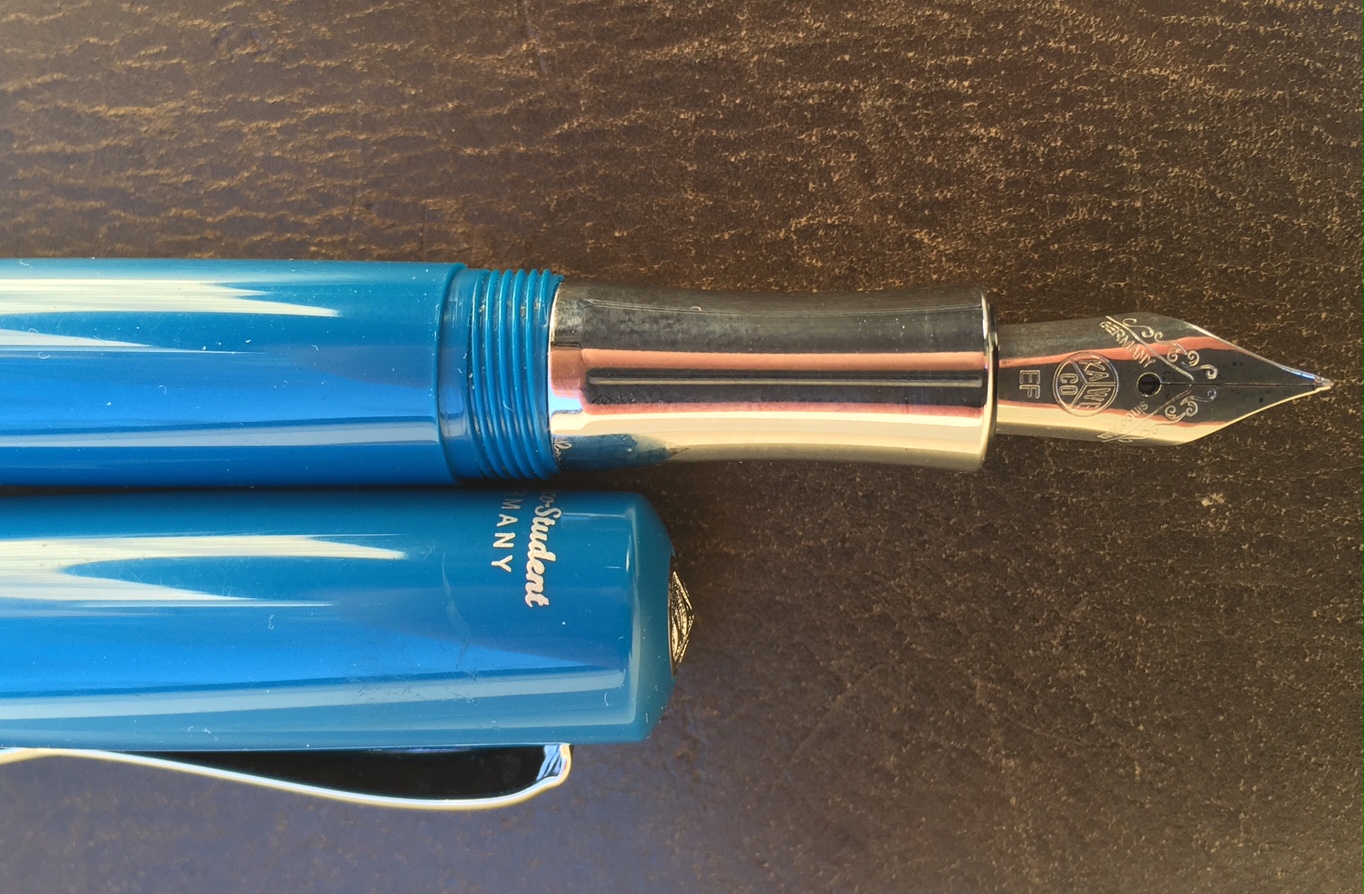
 

EF Nib with Cap


You can check out Kaweco’s STUDENT fountain pen line here. (This pen is Item #10000781, and came with a nice tin gift box.) And if you are so inclined you can order the STUDENT pen via JetPens or Most Wanted Pens.


Many thanks to the fine folks at Kaweco for the pen for review! Check them out here.

Review: HEX Century Icon Folio for iPad Air 2

Last month I reviewed an iPad Air 2 case from KAVAJ and said:

As with iPad Mini cases, there are a lot on the market–so many that one could easily get lost in the three-hour rabbit hole of trying to find just the right one.

I’m not sure I have found just the right one for the iPad Air 2. There are a couple that are close–I’ll share about those in due course.

One of the cases that is close to being just right is the Century Icon Folio for iPad Air 2, from HEX Products.


What I Like About the Icon Folio


It’s not all leather, but the external material is primarily waxed canvas of high quality. The casing around the iPad itself is hard rubber. The HEX case strikes a neat balance of professional, classy, and casual.


Front


Back


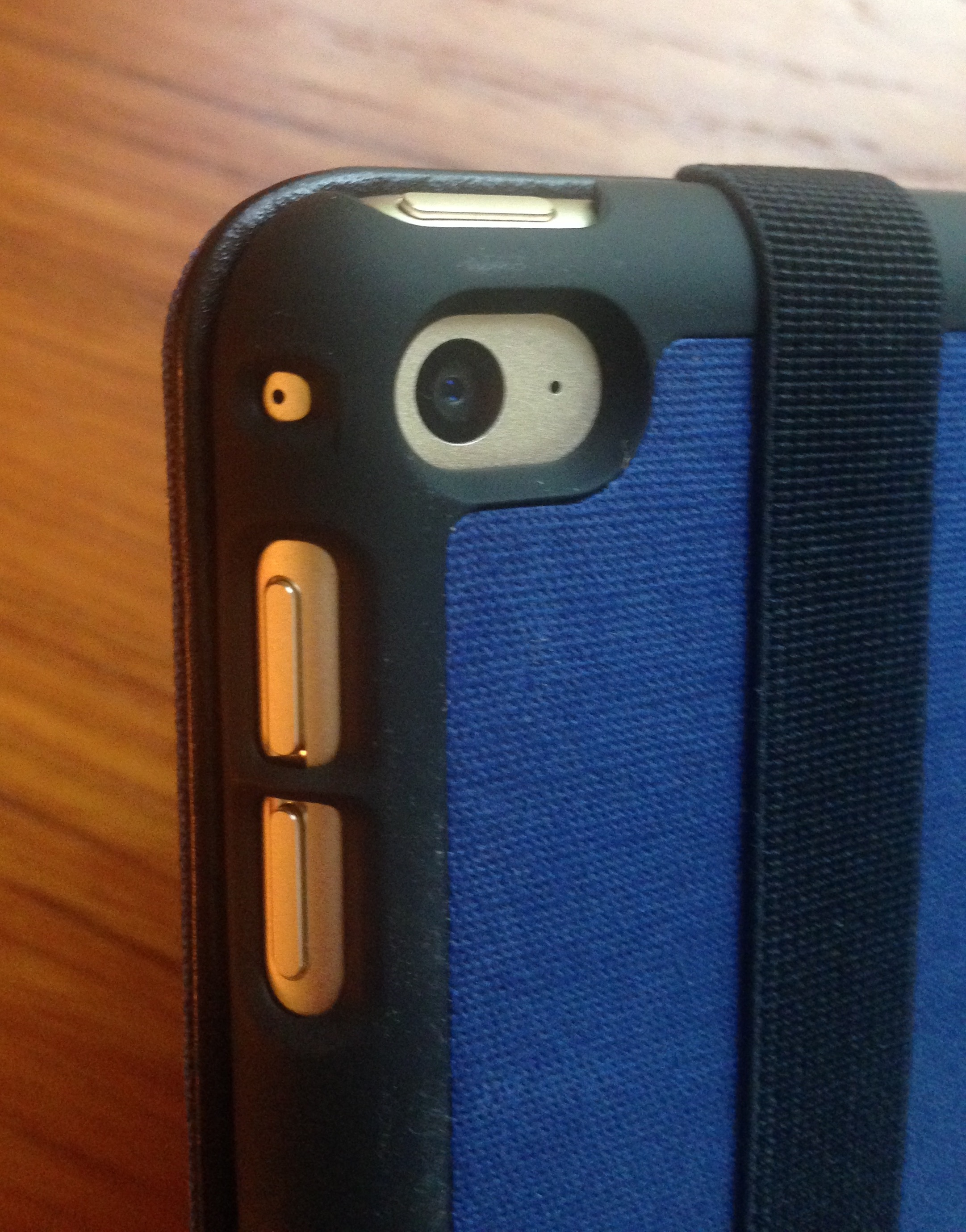
The cut-outs for volume buttons, headphone jack, and camera are 100% A++.


Hole Cut-Outs


It’s a slim case, which makes it a good one for pulling in and out of a satchel a lot. It doesn’t add any bulk to the iPad.

You’ll have seen in the images above the elastic strap–you can use this to secure the bi-fold case, so that it doesn’t inadvertently open in your bag. The strap is thick and has the perfect amount of tension.

A key feature of the folio is the inside compartment where you can put three cards, cash, and a few notes, as you like:


Left Inside Card Slots


You can squeeze enough in here that you could take literally just this case and its contents to your favorite working spot (if you didn’t need an external keyboard).


Open


What I Don’t Like About the Icon Folio


Just two minor critiques to offer:

1. There’s no mechanism whereby you can make the case stand or prop up. In other words, the front of the case doesn’t fold as other cases do, for when you want to sit your device on a table and watch something or use an external keyboard with it.

2. After only a little use, part of the (faux?) leather strip on the side was starting to separate from the hard rubber. Nothing major, but one does hope this doesn’t worsen with time, especially given that this is not an off-brand, $20 option.


Bonus Feature, and Where to Get It


Bonus feature: though I haven’t seen HEX advertise it anywhere for this case, it does have a sleep/wake feature, so that when you close the case with the iPad on, it puts the screen to sleep automatically to save battery. This functions as it should consistently.

You can learn more about the HEX case at their Website here. And it’s available on Amazon here.


The kind folks at HEX provided me the case for the review, without expectation as to my review’s content.

The Word from Words on the Word on Word. Pocket Notebooks

Here, in one page, is my assessment of the Dot Grid pocket notebooks from Word. Notebooks:


Review IN SUM


Here are a few more notes I took before summarizing, if you want some more details:


Review Text Notes 1


Review Text Notes 2


Here are the hyperlinks:

Word. Notebooks // Word. Dot Grid


And now… images follow–click or tap to enlarge. (All the images above are of text written in Word. notebooks themselves.)


0_Package


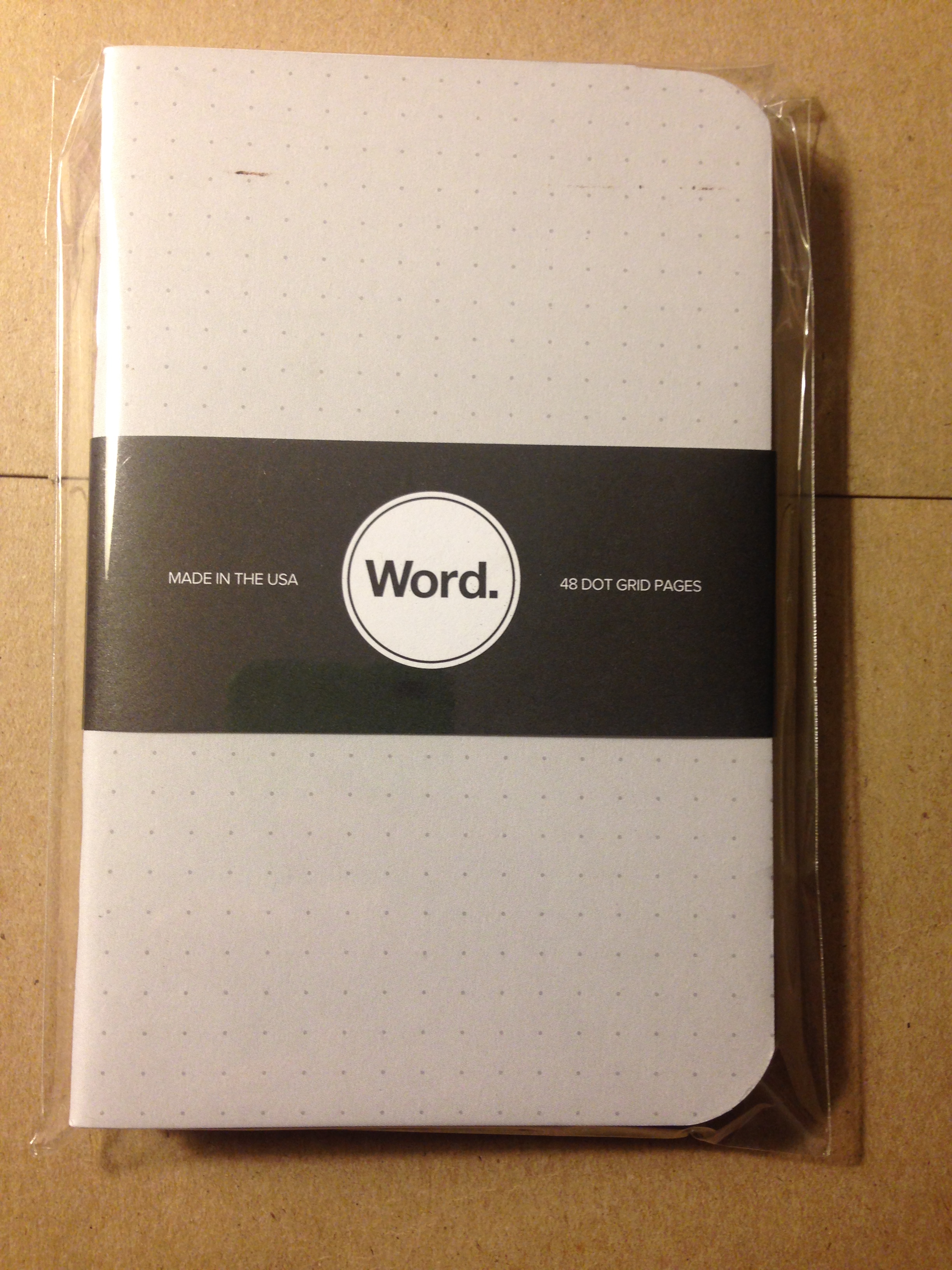
1_In wrapper


2_Back wrapper


3_Back inside cover


4_Inside dot grid


5_Front cover


Thanks to the friendly folks at Word. Notebooks for the review samples, given to me with no expectation as to the content of my review.

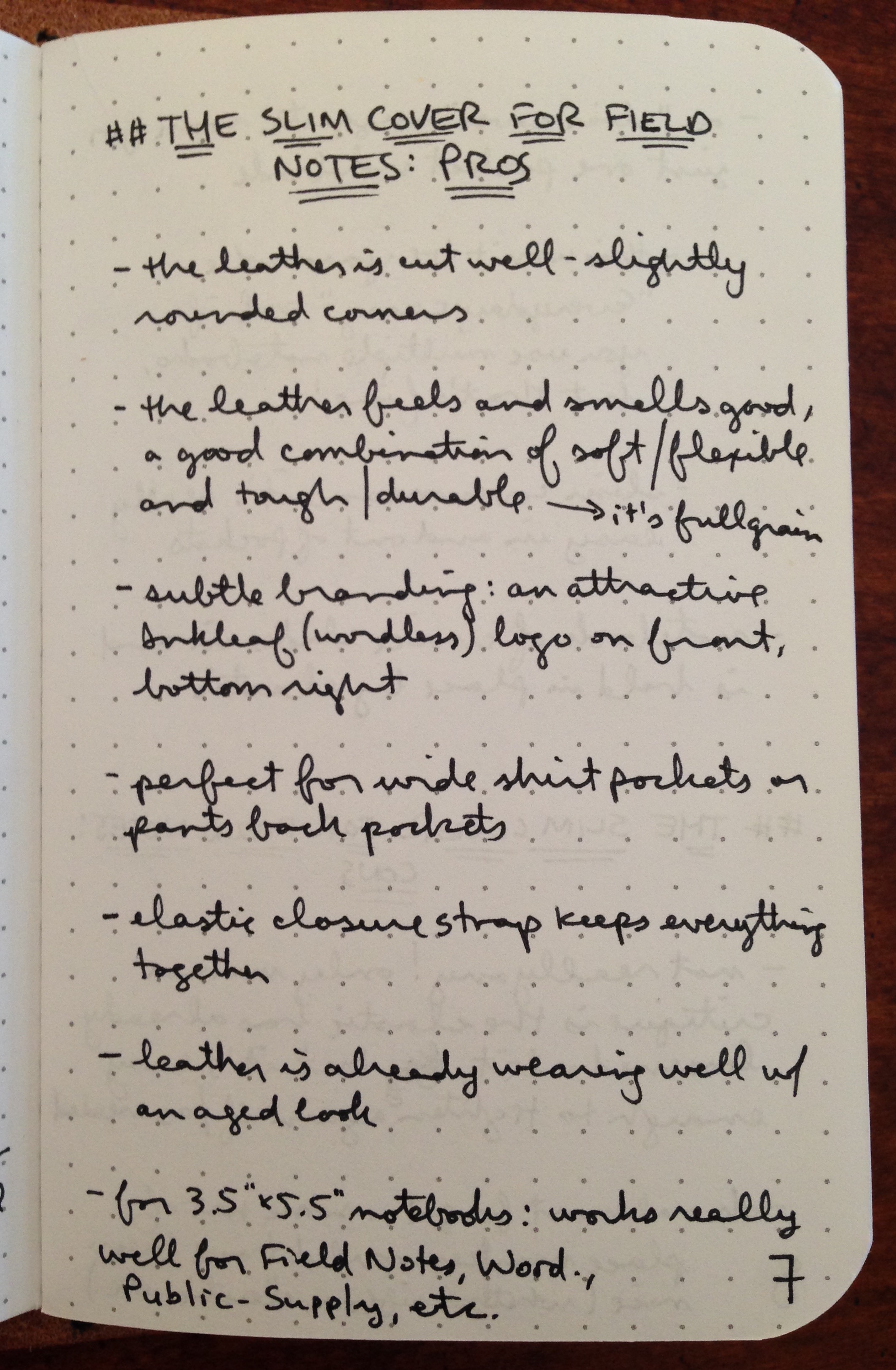
This Blog’s First Handwritten Review (Inkleaf Field Notes Covers)

I wasn’t kidding about trying to write by hand more in 2016. To that end, I bring you my first handwritten review. Below I evaluate another Field Notes leather cover, this one the Slim Cover from Inkleaf.

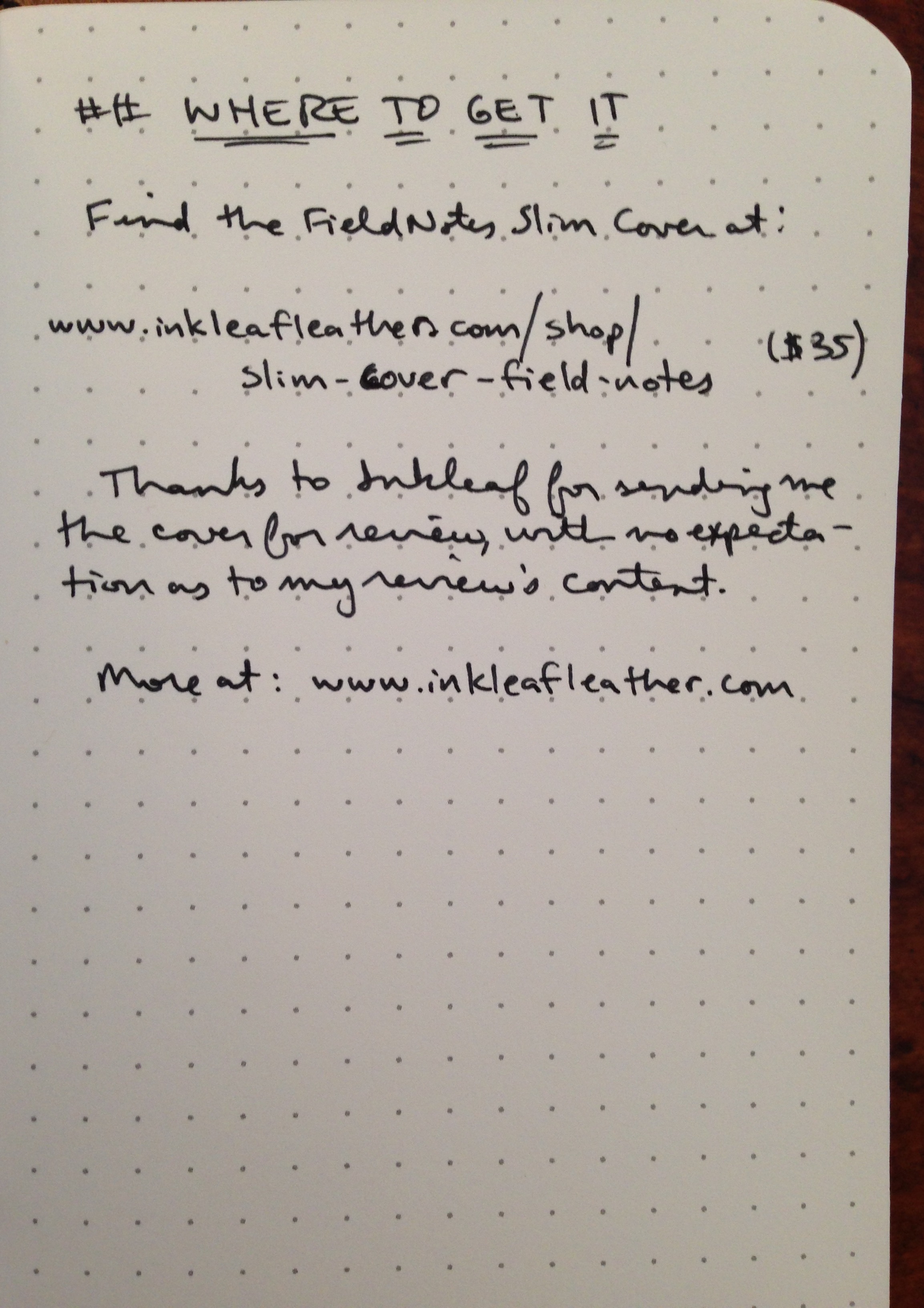
And because my handwriting doesn’t hyperlink, after the images of my written review, I add the hyperlinks… and lots of pictures.


Review Text 1


Review Text 2


Review Text 3


Review Text 4


Hyperlinks:

Inkleaf’s Story // The Field Notes Slim Cover // Inkleaf’s home page


Images Follow–click or tap to enlarge:


0_Leather Cover in Bag


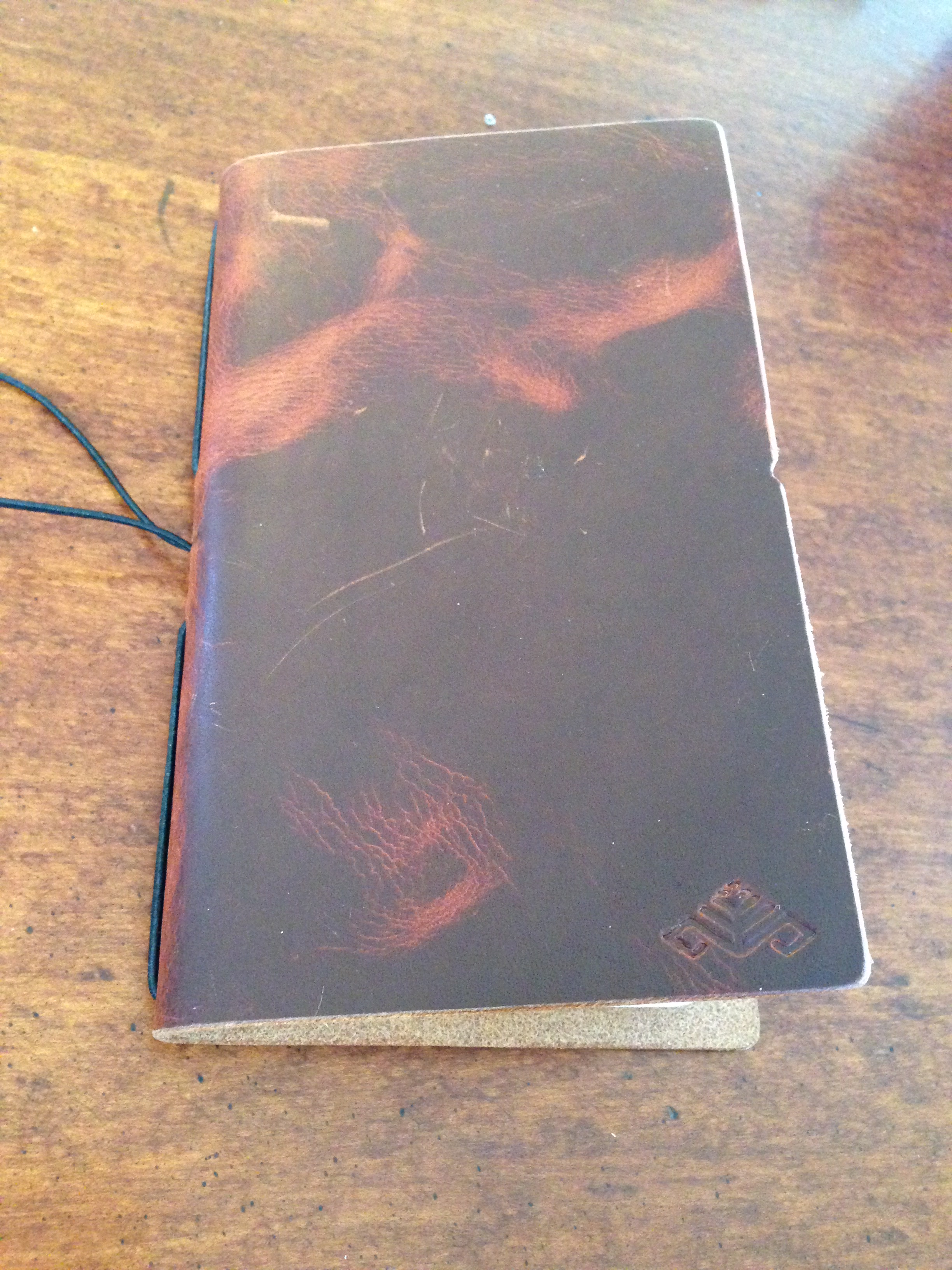
1_Front Cover Closed


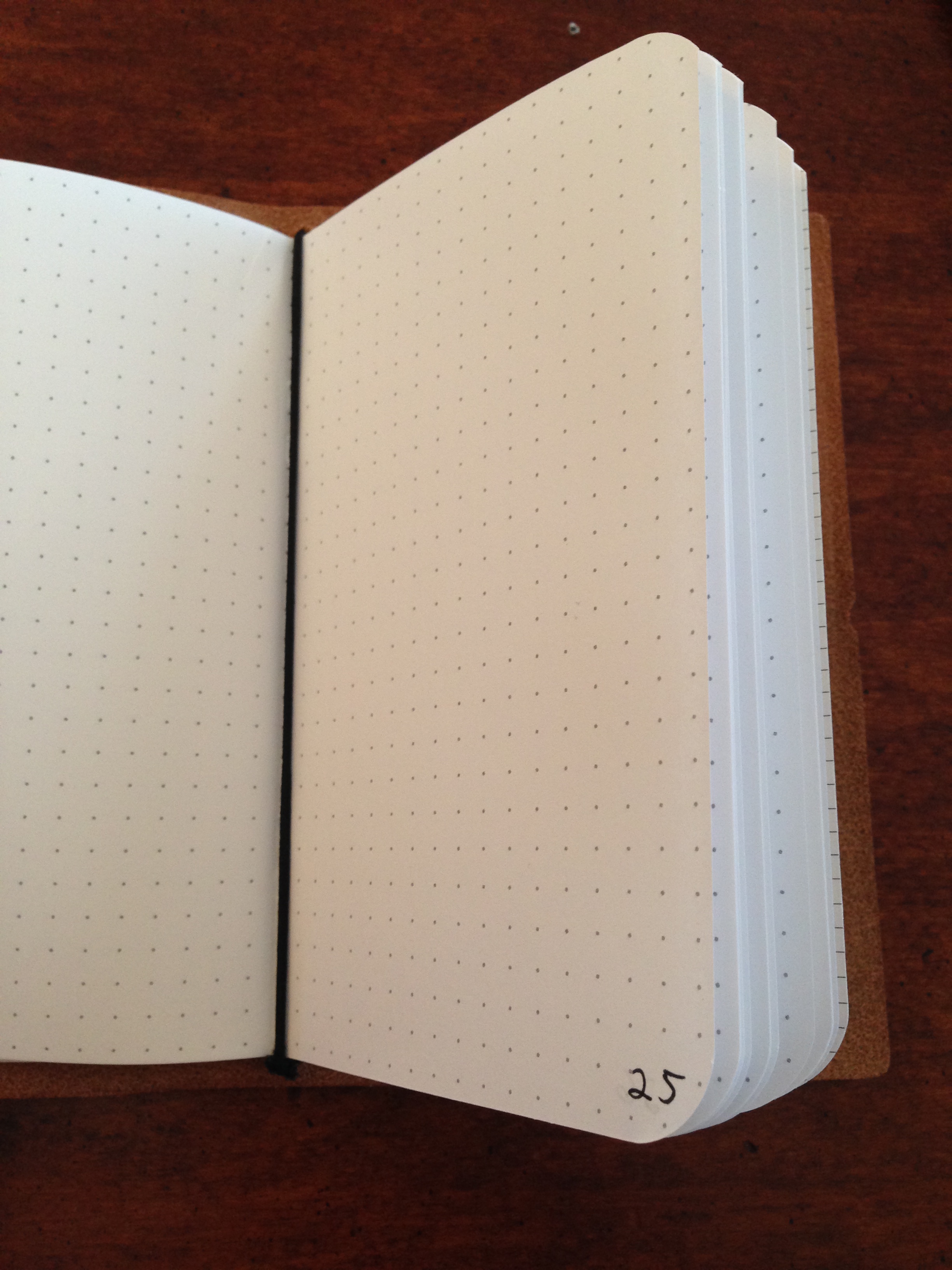
2_Front Cover Open


3_Open on Table


4_Inkleaf in Action


5_Inside Elastic


6_Inside Elastic 2


7_Side View


App Review: Day One (Day One 2 Coming Soon)

Day One is easily the best app for keeping a journal or life log–if you’re going to do it in a 1s and 0s environment, rather than on paper.

In this post I briefly review Day One. I’ll leave for another time the question of whether journaling by hand or by phone/tablet/computer is preferable. Okay, actually… I’ll answer that now: better to do it by hand, because… reasons. But Day One has photo capability, so it has served as a nice digital repository for me to chronicle my kids’ growing up, without having to post it on Facebook, etc.

Day One offers sync via iCloud, Dropbox, or their own sync service, so you can keep everything together on iPhone, iPad, and Mac.

I really like the layout, which allows you (much like in this blog, for example), to combine headings, text, and photos. Check out this sample entry on Day One for Mac:


Mac Sample Entry

You can even add an entry right from the menu bar, so that you can write down that brilliant insight before you forget it.


Mac Menu Bar Option


Your entries could be text, a (single) photo with text, location-based entries (that also pull in the weather automatically), meeting notes, day debriefs, etc. Each entry is automatically time-stamped. The possibilities are pretty robust, and folks use Day One in lots of different ways. The tags feature especially enables this, as you could use the built-in tagging system to sort by “journal,” “family,” “song lyrics,” “insights,” “questions,” and more.

My first question is–to the extent I use Day One as a sort of photo-journal (especially of the family), will having my info in a proprietary format some day cause issues? That’s always a possibility with software (score one for physical journals and photo albums), but Day One allows for PDF export, so you don’t really have to worry here.


Mac PDF Export


You can also set a reminder so that Day One reminds you each day to write:


Mac Reminders


It looks and works really well on iPhone and iPad too.


iPad Menu Landscape 2


If you want to try the app and really put it to use, Shawn Blanc has written a pretty thorough ebook: Day One in Depth.

You can find Day One for iOS here; the OS X app is here.

Also… if you want to wait a few days… Day One 2 releases this Thursday. I haven’t used the new app, but beta users seem to love it. You can check out what’s new in the FAQs here.


Thanks to the makers of Day One for the review copy of the app on Mac, given to me for this review but with no expectation as to its content.

If You Want to Cover Your Field Notes in Leather… (ColsenKeane)

In my quest to write by hand more regularly, I’ve learned two things:

  1. There are LOTS of companies that make 3.5″x5.5″ pocket notebooks, not least of which is Field Notes.
  2. Not content to let those little notebooks exist unadorned, a number of folks have created leather covers.

One such company is ColsenKeane, a creator of custom leather goods. Their founder, Scott Hofert, believes in manufacturing high-quality goods that will last for a long time:

In our modern society, it’s next to impossible to find long-haul products. Passion-infused items crafted with fanatical detail. At ColsenKeane, we believe our leather pieces are creating form, function AND narrative.

I’m grateful to ColsenKeane for sending me a Field Notes Cover so I can bring you this review. The color is “Brown Crazy Horse.”


* * * * * * *


You can tell these folks take delight in their work, a trait I appreciate. Here is what the packaging looked like:


Packaging Wrapped
wrapped


Packaging Unwrapped
unwrapped


It was so well presented, I almost didn’t want to open it, but I ripped into it quickly enough.


1_Front Cover Unwrapped


2_Look Inside


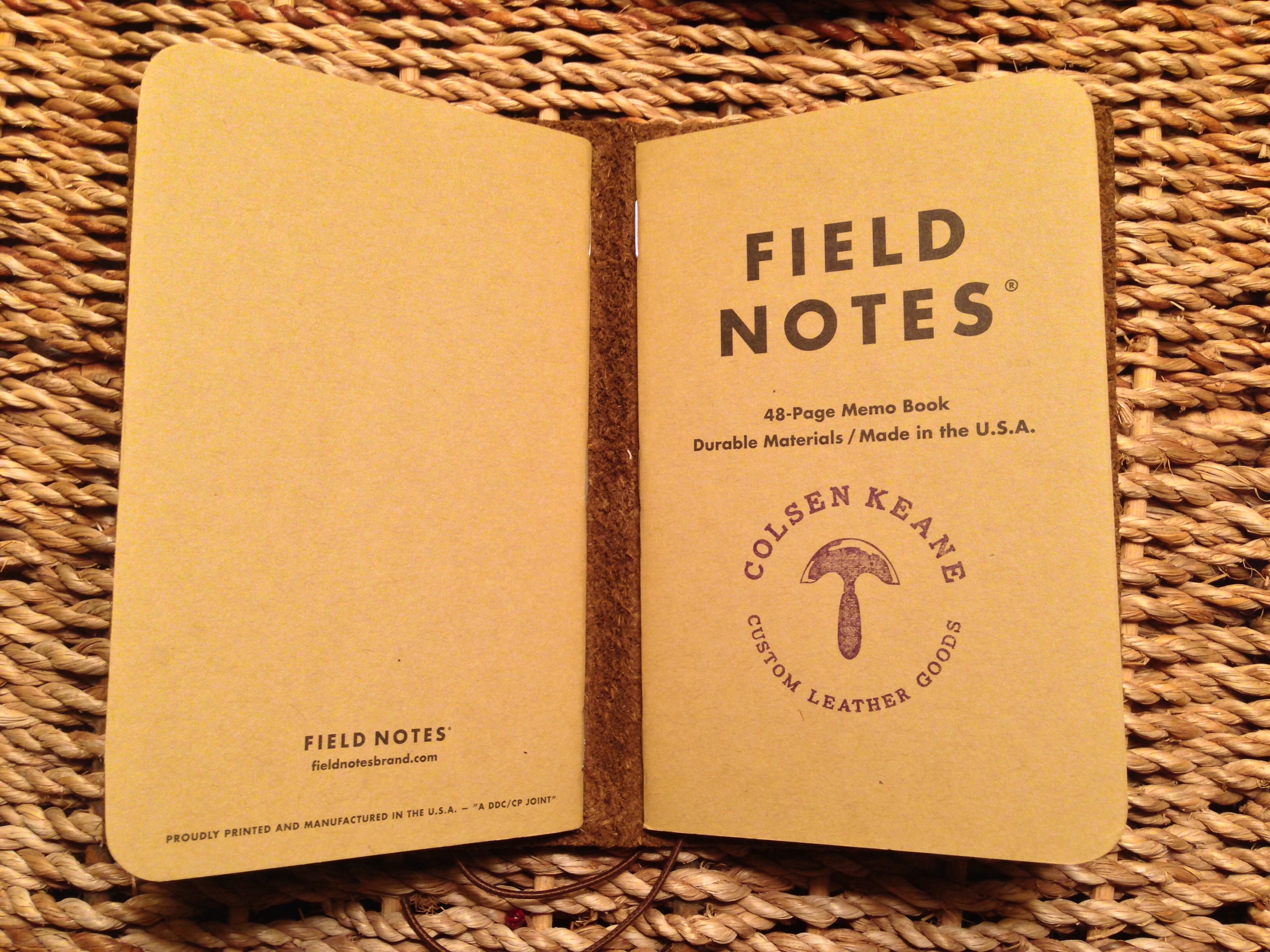
It came with two Field Notes inserts. This is one of the salient features of this leather cover–it’s specifically intended for two notebooks.


3_with Field Notes Inserts


Just because you can insert two notebooks doesn’t mean you have to. This is one of those how full do you like your wallet? questions. Avid notebook users will probably have more than one memo book, each for a different purpose. So I like the decision to set up the cover to be able to accommodate two notebooks.

There is an option for three-letter monogramming:


4_Monogram


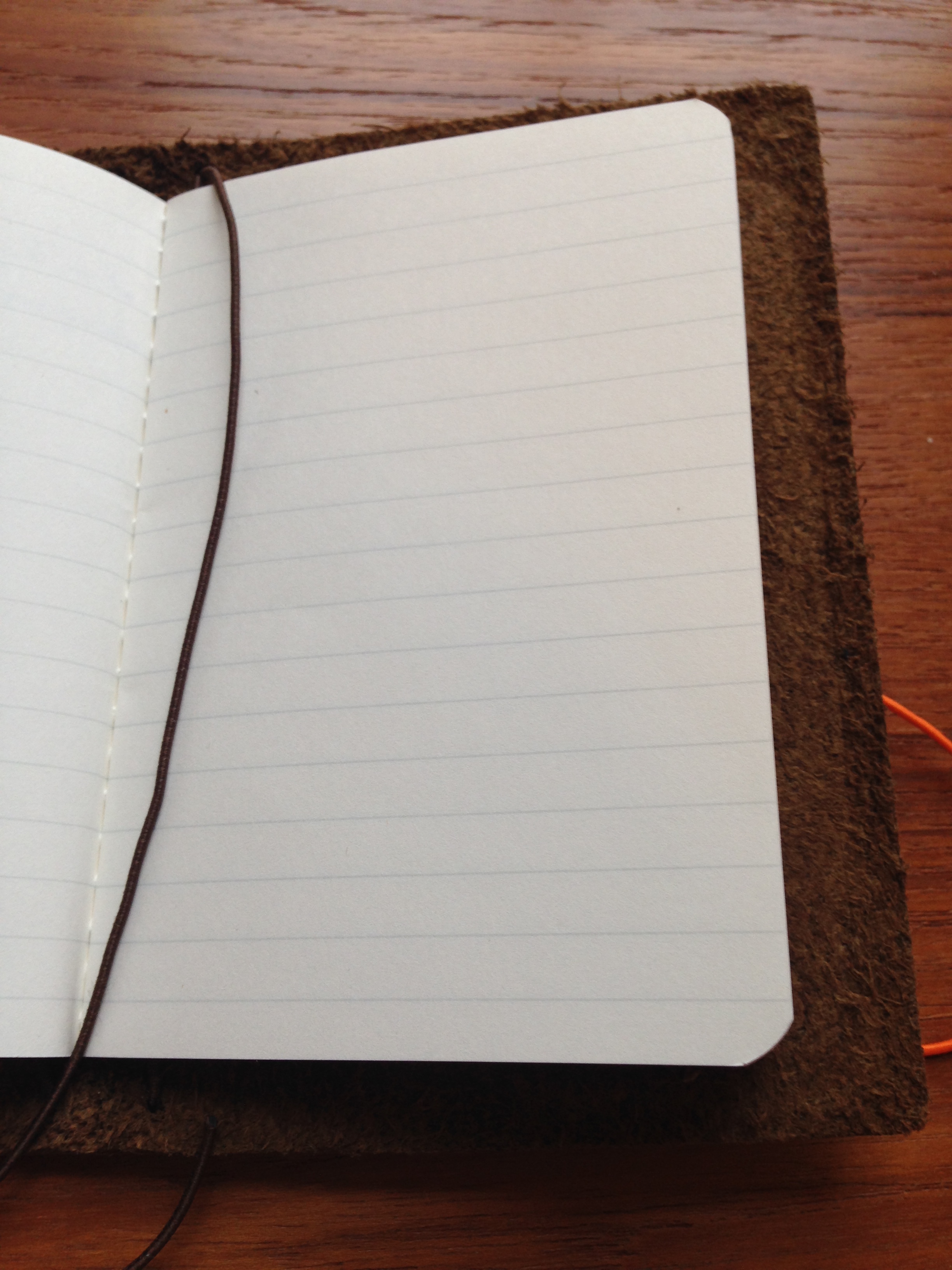
The elastic place marker is not something I would have known I’d appreciate, but I do:


5_Ready to Write


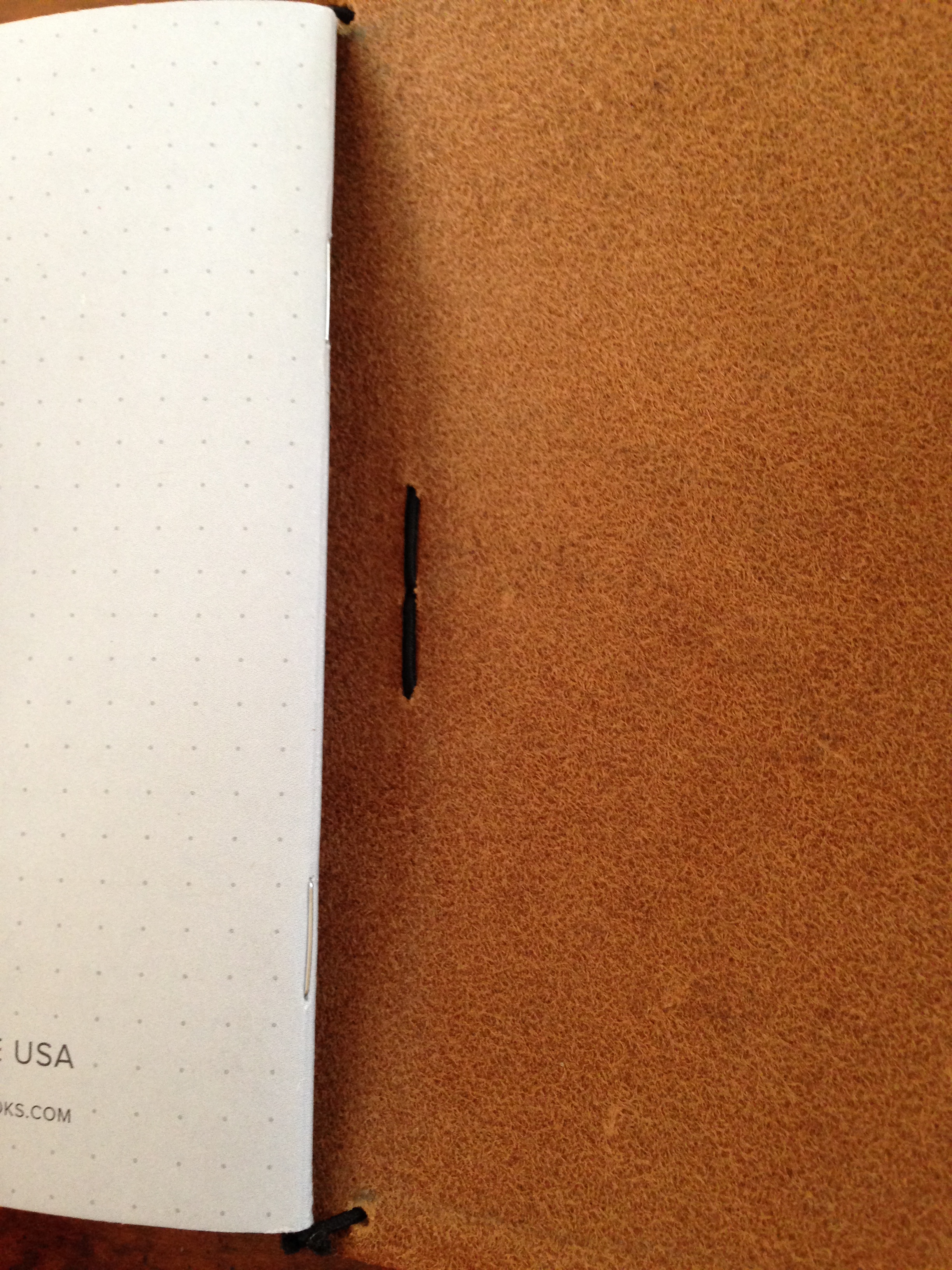
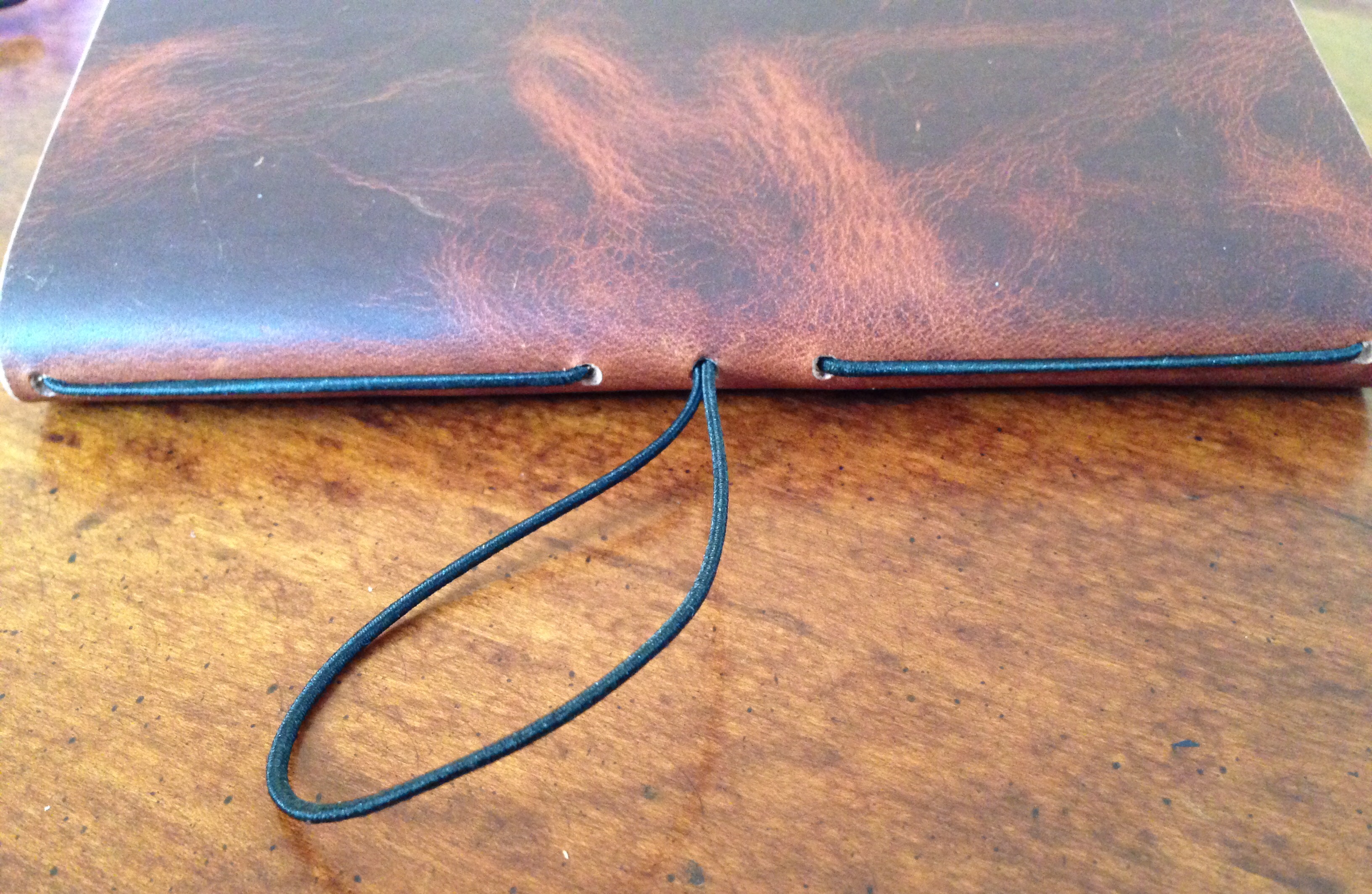
Everything is held together by elastic. The leather, of course, will last for ages–the elastic may not. So far I’ve had no issues with mine, but ColsenKeane does sell replacement elastic (or you can get your own), if need be. Elastic and leather feel like a funny combination, but ColsenKeane has done a nice job of putting everything together.

Let me show you in pictures–you basically just slide the open notebook into one of the elastic pieces, and it fits pretty securely.


8_Elastic 2


9_Elastic to hold book


The elastic closure to keep the notebook closed is probably not utterly essential, but it has a good job to do, especially if you’re putting the notebook cover in your pocket.


6_Strap Closure


7_Front Cover Wrapped


The leather cover works great for other non-Field Notes notebooks, too, especially if they’re 3.5″x5.5″:


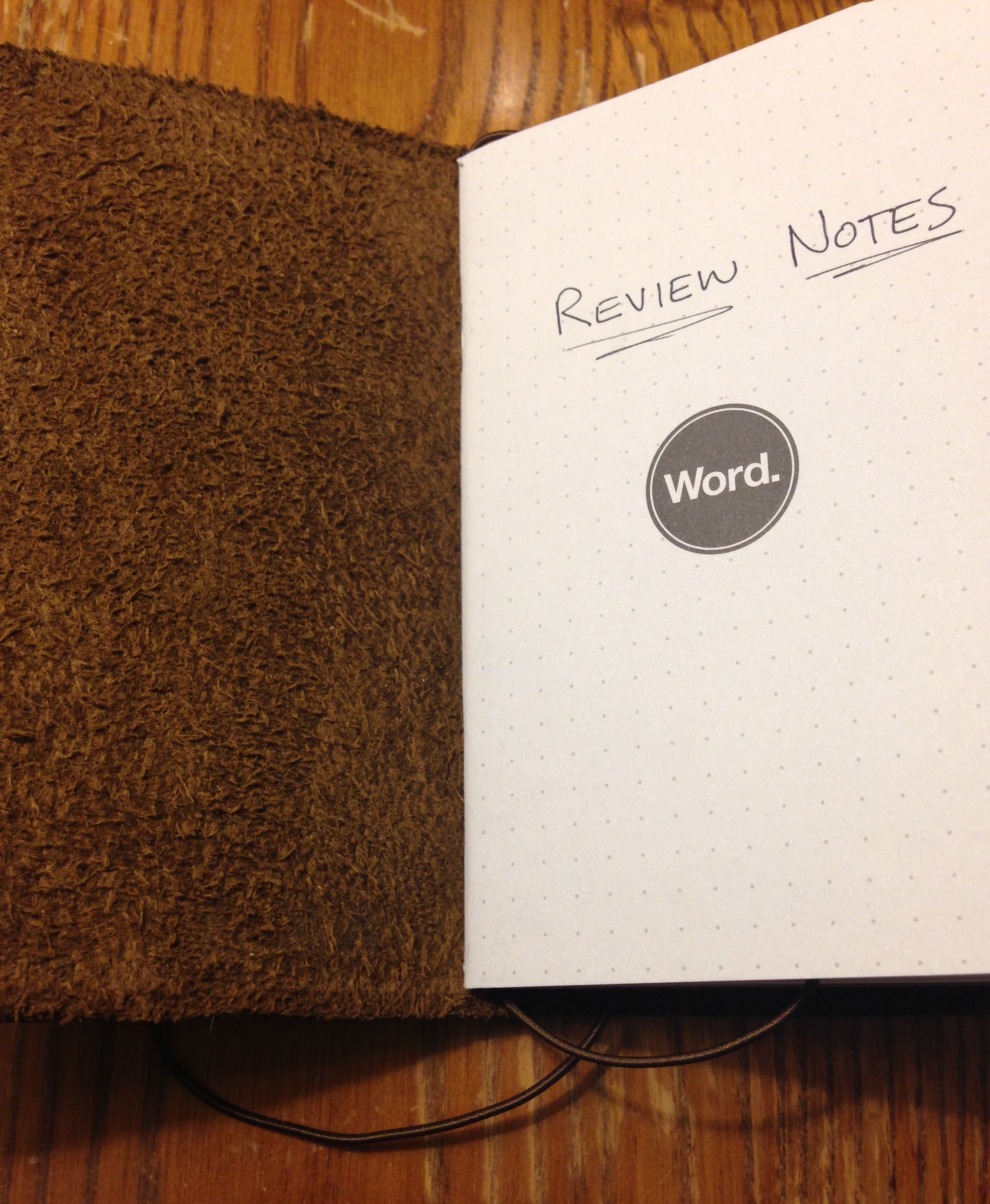
10_Word Inside Cover


The little Baron Fig Apprentice notebooks are 5 inches (not 5.5) high, so they’re a little looser, but they actually work pretty well in this cover, too:


11_Two Confidants


Or you could mix and match:


12_With Apprentice and Field Notes


There is no pen holder, per se, but it’s easy enough to clip a pen to the cover.

ColsenKeane’s Field Notes cover is really well constructed. Two thumbs up for that. Of course, you don’t need a leather cover for your pocket notebooks. Pocket notebooks do just fine in your pocket without leather covering them.

But the Field Notes cover looks really cool and smells and feels good, so I’ll keep using it, as long into 2016 (and beyond?) as my analogue kick continues. It is an awesome piece of workmanship, and enhances the writing experience, giving me another Pavlovian motivation to be on paper more and at the screen less.

More info about the leather cover is here.


Many thanks to the fine folks at Colsen Keane for the notebook cover for review! Learn more about the company here.

Review: KAVAJ iPad Air 2 Leather Case


Image via KAVAJ (all others my own)


If I’m not mistaken, this is the first iPad Air 2 case I’ve reviewed at Words on the Word. As with iPad Mini cases, there are a lot on the market–so many that one could easily get lost in the three-hour rabbit hole of trying to find just the right one.

I’m not sure I have found just the right one for the iPad Air 2. There are a couple that are close–I’ll share about those in due course.

In this post I review the KAVAJ iPad Air 2 “Hamburg” leather case in cognac/brown.


What’s Great About the KAVAJ Case


This is an ephemeral satisfaction, but the packaging in which KAVAJ sent the case was as classy as the case itself:


2_Packaging


I really like the leather look and feel (and, of course, smell) of the case. (Current WordPress technology does not yet permit me to upload the smell to the blog.)

The stand system is secure and allows you to put the iPad at just about any angle you want. This is the best part about the case, as some others give you just two options, neither of which is quite the right angle. Here are some of the ways you can angle your iPad in the case:


1_Side View


1_Case at Other Angle


There’s also room to set up an iPhone there, in case you want to toggle between iOS devices. That’s a nice bonus.

The case is light–when folded back and reading in portrait mode, it actually makes the device easier and more enjoyable to hold than on its own. Cases that combine usability in both keyboard/orientation mode and reading/portrait mode seem to be rare.

The stitching is good, too. It looks like it’s not coming loose any time soon. And the inside flannel is nice and soft–no worries about it scratching your screen.


What’s Not-So-Great About the KAVAJ Case


There is an auto sleep/wake feature with the magnetic closure, which is good, but it’s really hard to get at the sleep/wake button itself when the case completely covers it. What if you want to leave your iPad set up on the stand all morning and turn it off when you’re not using it? When the iPad is in the KAVAJ case, it is very hard, if not impossible, to do.

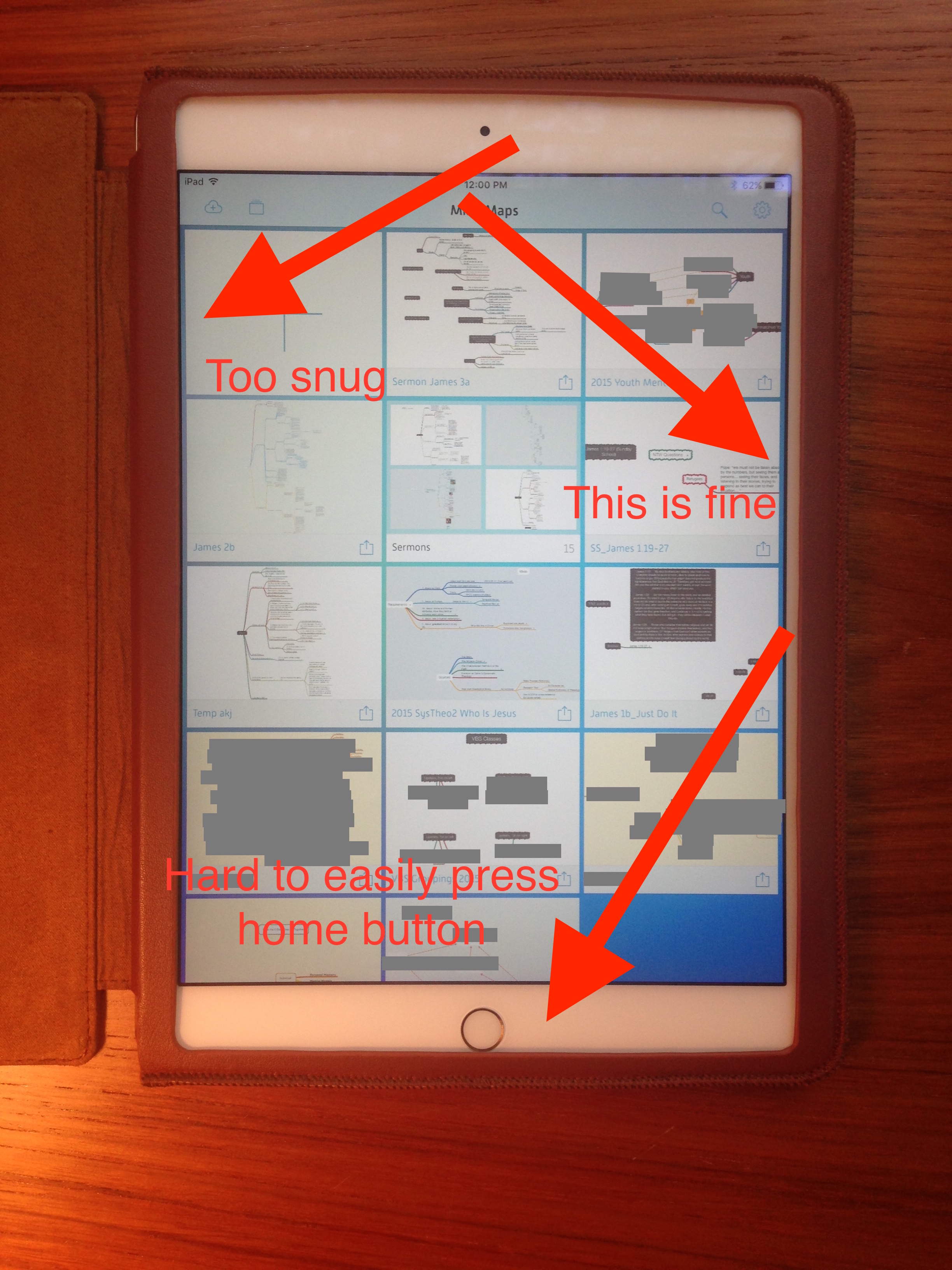
This next assessment may be picky on my part, but I think anyone looking for a good case for an iPad Air 2 is warranted in that: the casing is not 100% centered when placed around the iPad.

It covers the home button just a tad, so that any time you go to press the home button, you’re competing the case. This is not an insignificant hassle, especially considering the use of Touch ID.

Here are some images showing what I mean:


2_Open with iPad in


1_Close-Up Home Button


Also, the snugness and slight off-centeredness of the case makes sliding in or up from the edges of the screen almost impossible. I’m not sure how else they could have circumvented this with this kind of case, but it feels like a design flaw, or at least something that leads to unusability.

That said, leather stretches out over time. A good week in the case didn’t make a difference on this front, but maybe it would improve over a longer period of time.

Finally, the case leaves just a little bit of exposure to the edges of the iPad. This may be necessary for the slide-in feature to work, but it leaves iPad exposed at a couple key spots–you’re likely to get a dent if you drop it. (And the leather isn’t all that protective anyway–a trade-off for the aesthetic.)

Where to Get It


2_Open and Empty


You can learn more about the KAVAJ case at their Website here. And it’s available on Amazon here.


KAVAJ provided me the case for the review, without expectation as to my review’s content.

Pencil Review: Kaweco SKETCH UP Classic Chrome

More than half my writing by hand these days happens with an implement from Kaweco in Germany. They are brand new to me, but Kaweco has been making writing instruments since 1883.

I’m especially eager to share my impressions of their outstanding LILIPUT fountain pen, but I’m saving that post for later. Here I briefly assess their SKETCH UP pencil.


The Pencil’s Construction


The SKETCH UP is a heavy beast. You will feel manly or womanly every time you pick it up to sketch. Its octagonal barrel somehow adds to its impressiveness. You simply cannot ignore its heft.


2_Side View


Having used pretty much only No. 2 pencils my whole life–with mechanical pencils constituting my sole upgrade–the 5.6 mm lead felt mammoth, yet also softer and smoother than any other pencil I’ve used.

The SKETCH UP is not as long as your run-of-the-mill pencil, so it will fit into any pocket.

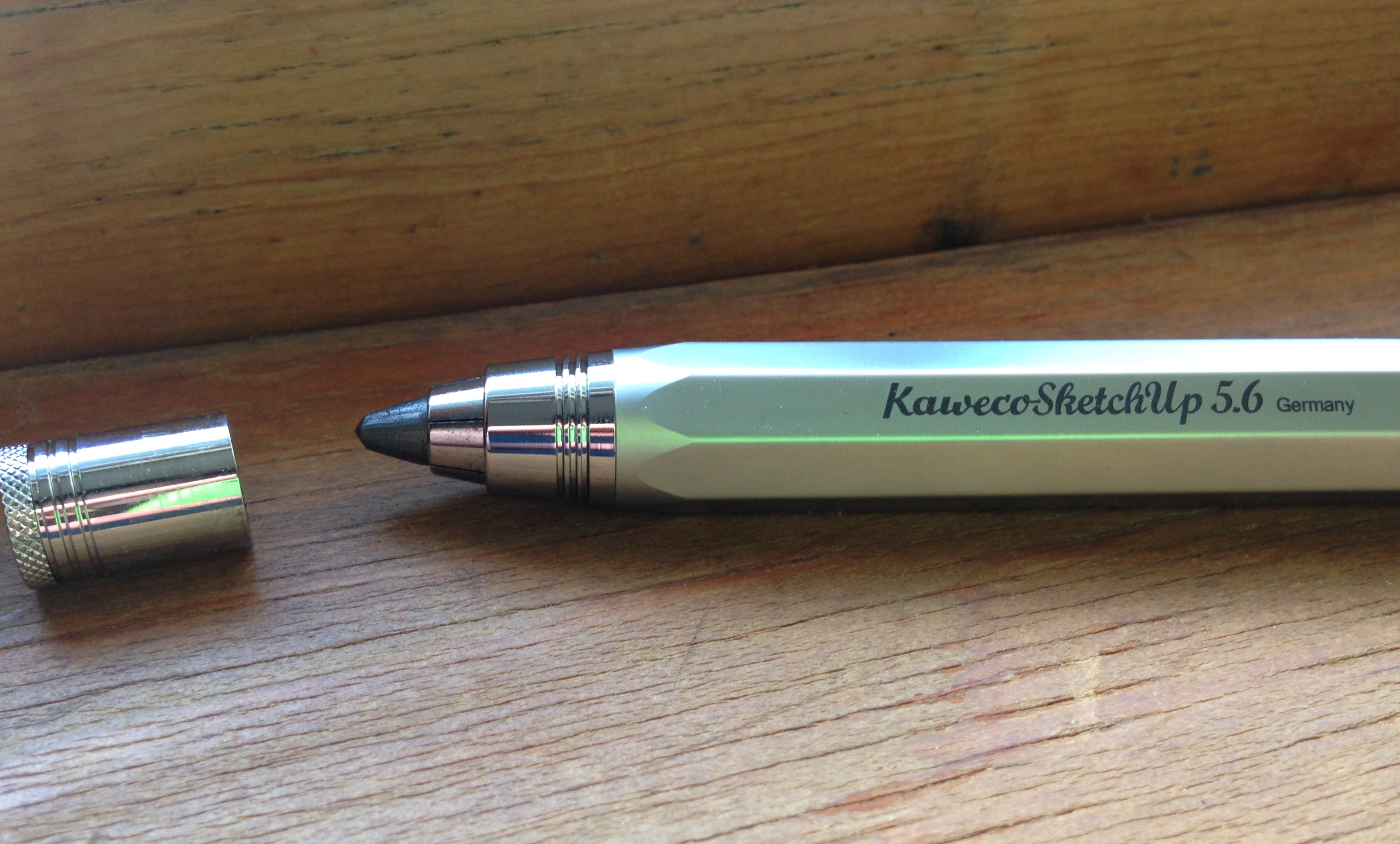
I am only slightly embarrassed to admit it took me a few tries to figure out the mechanism that feeds the lead through.


3_Pencil Point


You have to push the button at the top of the barrel with one hand (to release the lead) and use another hand to adjust the lead to the desired length, before releasing the push button again. Then you’re all set to draw.


Writing with the SKETCH UP


4_Kaweco SKETCH UP


Writing and sketching with the SKETCH UP feels great. Shading is easy and smooth. It’s maybe heavy for writing a lot of words, but even for taking notes, it would do well. Sketching, however, is its primary intended purpose, and for that it is a workhorse.

And, get this: it’s got a built in point sharpener. The push button uncaps to sharpen your point.


1_SketchUp with Sharpener


You can check out Kaweco’s SKETCH UP line here. (This pencil is Item #10000946, and came with a nice tin gift box.) And if you are so inclined you can order the SKETCH UP via JetPens or Most Wanted Pens.


Many thanks to the fine folks at Kaweco for the pencil for review! Check them out here.

Children’s Book Recommendation: Big Bot, Small Bot

Front cover


Marc Rosenthal’s Big Bot, Small Bot: A Book of Robot Opposites is short and simple, but wonderfully executed.

The book is just what it says: through colorful images and some imaginative flap-lifting, kids and parents follow some “retro-futuristic robots” through opposites like wet/dry, full/empty, and so on.

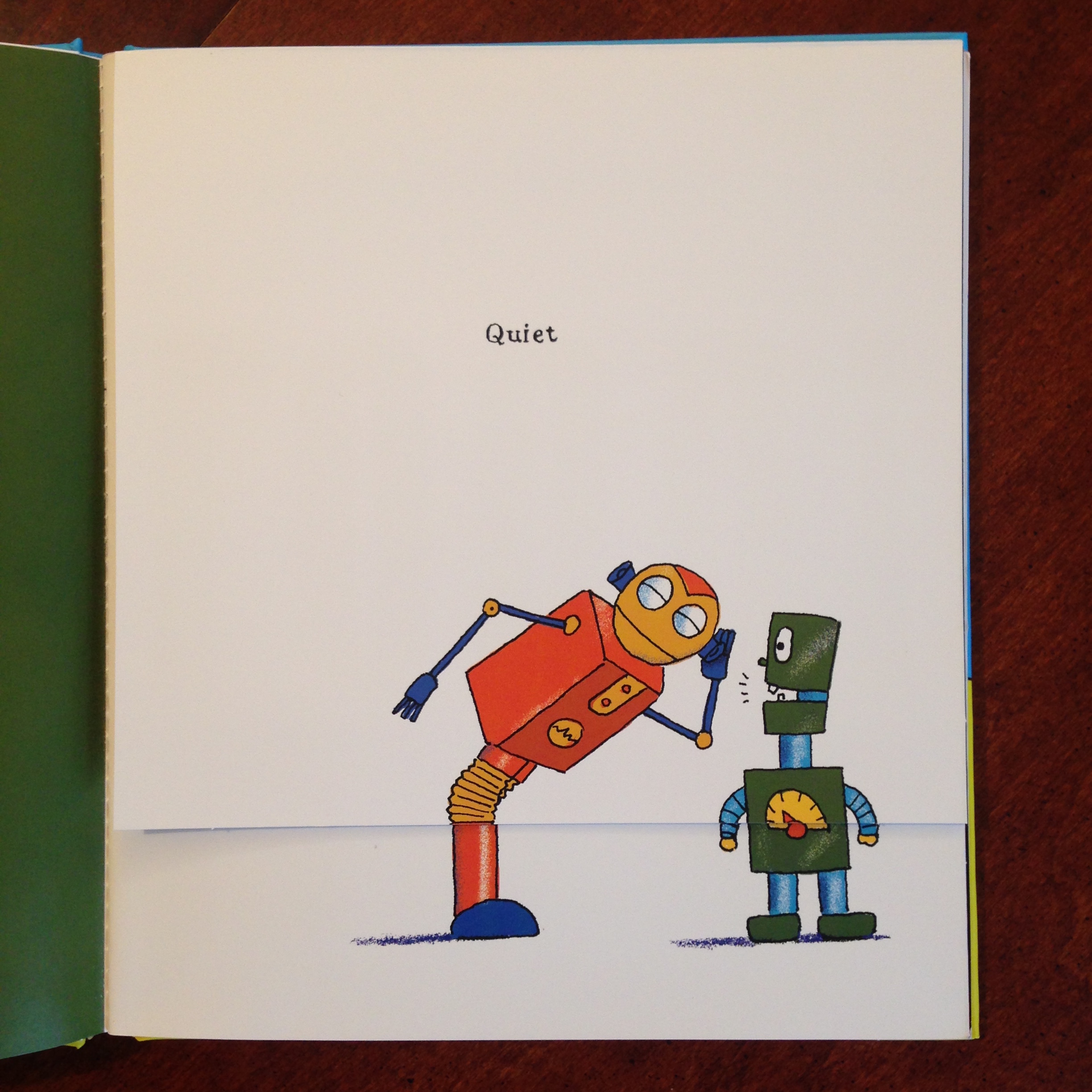
When you lift the flap, the opposite is revealed. So you start with this:


Quiet


And end up with this!


LOUD


I really wanted to just take a picture of every opposite and show it to you, but I will simply recommend the book, instead. The target ages are 2 to 5, which seems spot on to me. (You can see more images here, if you like.)

The book is funny, clever, and engaging. My 3-year-old was a fan from the first time she read it. The paper is nice and thick, too. That means it will give up a pretty good fight when your toddler decides–in a fit of unexplained and inexplicable rage–to rip all their books. (I’ve heard some kids do this.)

It makes for some excellent parent-child reading and interaction.

Find the book at POW! Kids here, or at Amazon here.


Thanks to the good folks at POW! Kids Books for sending the book for review, though that did not influence my opinions.

Notebook Review: Hard Bound Cloth A5 (Orange!) by Sweden’s Whitelines

In college, when I was a prolific journaler, I filled up two or three wonderful lay-flat books with all sorts of feelings and existential insights/ramblings. My journal of choice featured semi-invisible lines, which were a guide to keep me writing straight, but subtle enough that I didn’t really notice once I looked at a filled-up page.

I noticed this fall that a Swedish company makes such a subtly-ruled notebook: Whitelines.

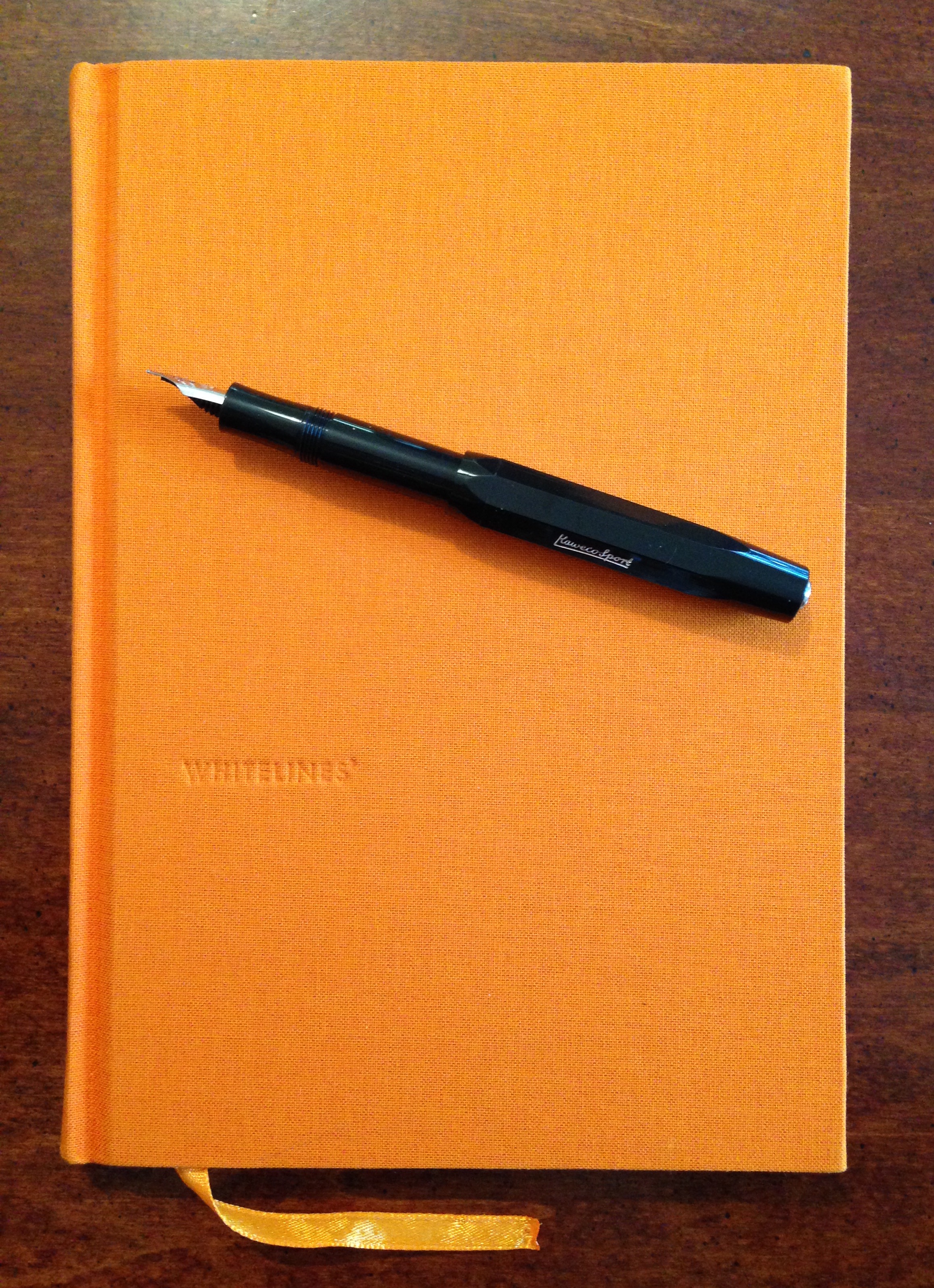
First, let me show you the outside of the orange A5 Hard Bound Cloth notebook:


Front


The linen cloth gives the hardcover notebook an organic feel. The orange ribbon marker looks good, too. This is definitely a classy notebook.

What sets Whitelines apart from other notebooks is the… well… white lines it uses. Here’s what a page looks like:


Full Page of Writing


The white lines look great on the colored 80g paper. You can tell from the page above that there’s a little bleed-through, though. This was using a Pilot G2 07 gel pen. An extra fine fountain pen fares better.

The branding is minimal, but I can’t think of another notebook I’ve used that had the company name on every page:


Whitelines Logo on Page


I have gotten used to this in time and don’t really notice it anymore.

Apart from the really nice experience of writing on white lines, this notebook lays flat really well, even when you’re writing on the first few pages on the left-hand side. Kudos to the makers for getting that right! The sewn binding is welcome, too. This means the notebook will last a long time.

I use the Whitelines notebook as my primary journal, since it has a classic look and feel. And because this particular book is orange, I will (probably) never lose it.

Want to give it a go? Whitelines has a variety of .pdf samples of their pages here, so you can print them out and try it.

You can see more Whitelines products here. The Hard Bound Cloth A5–available in both orange and grey–can be found here.


Many thanks to the fine folks at Whitelines for the notebook for review!