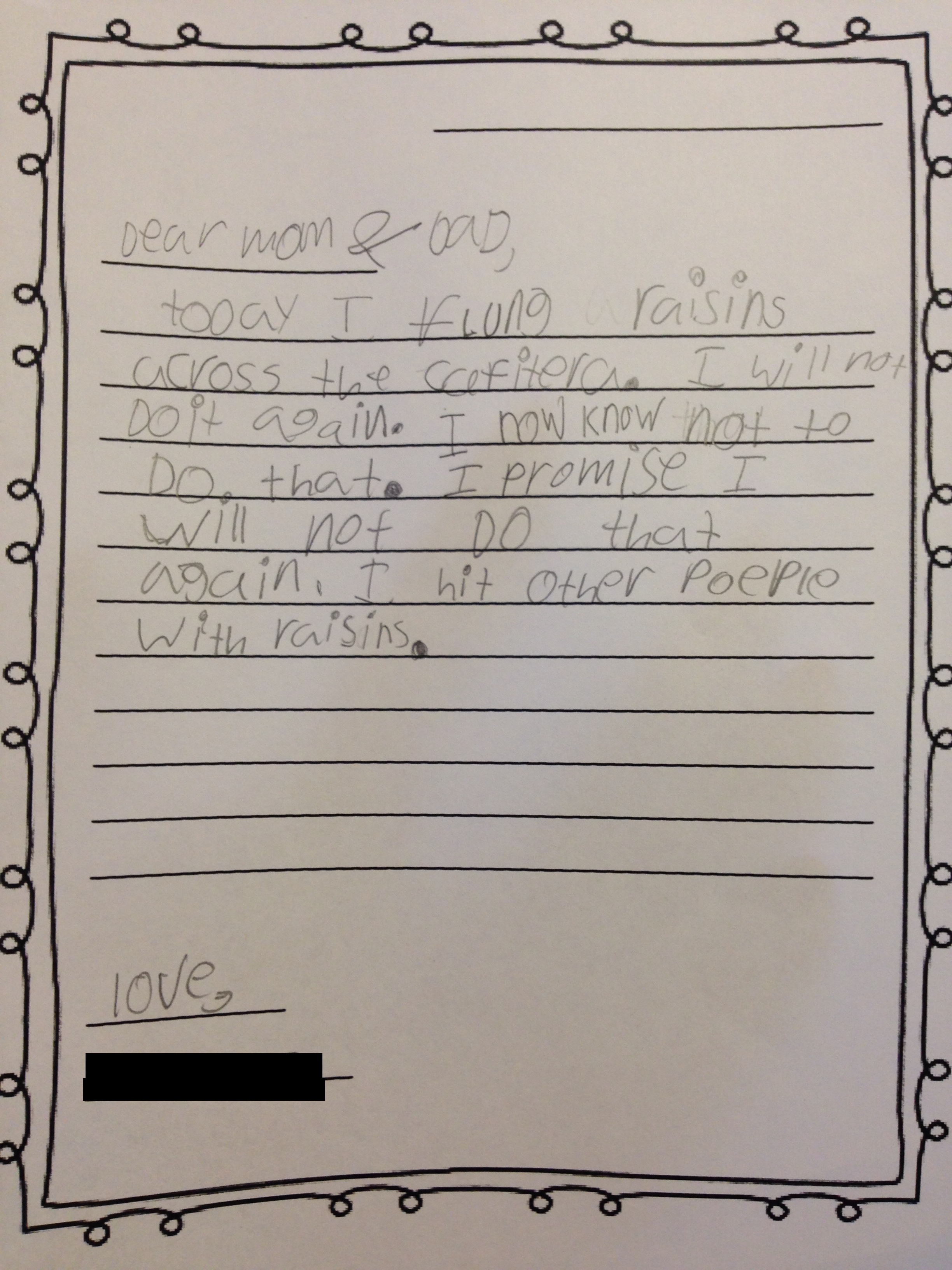
If there are still devices that allow you to access this blog in the future, I hope you’ll forgive my posting this note without your permission. It’s from last year, but I re-discovered my scanned photo if it. The note says it all.
I got this great advice in my inbox the other day from Laura Vanderkam:
If you dislike a particular task, time it.
Yea, verily. She explains:
While knowing that unloading the dishwasher takes you 6 minutes won’t get this chore of your plate, it will make it seem like less of a burden.
It’s funny that this is her example, because this (the kitchen) is really the ONE place where I’ve practiced this tactic already, and it really does help.
And when you do dishes for 25 minutes (because there are so many), your sense of accomplishment will be all the greater!
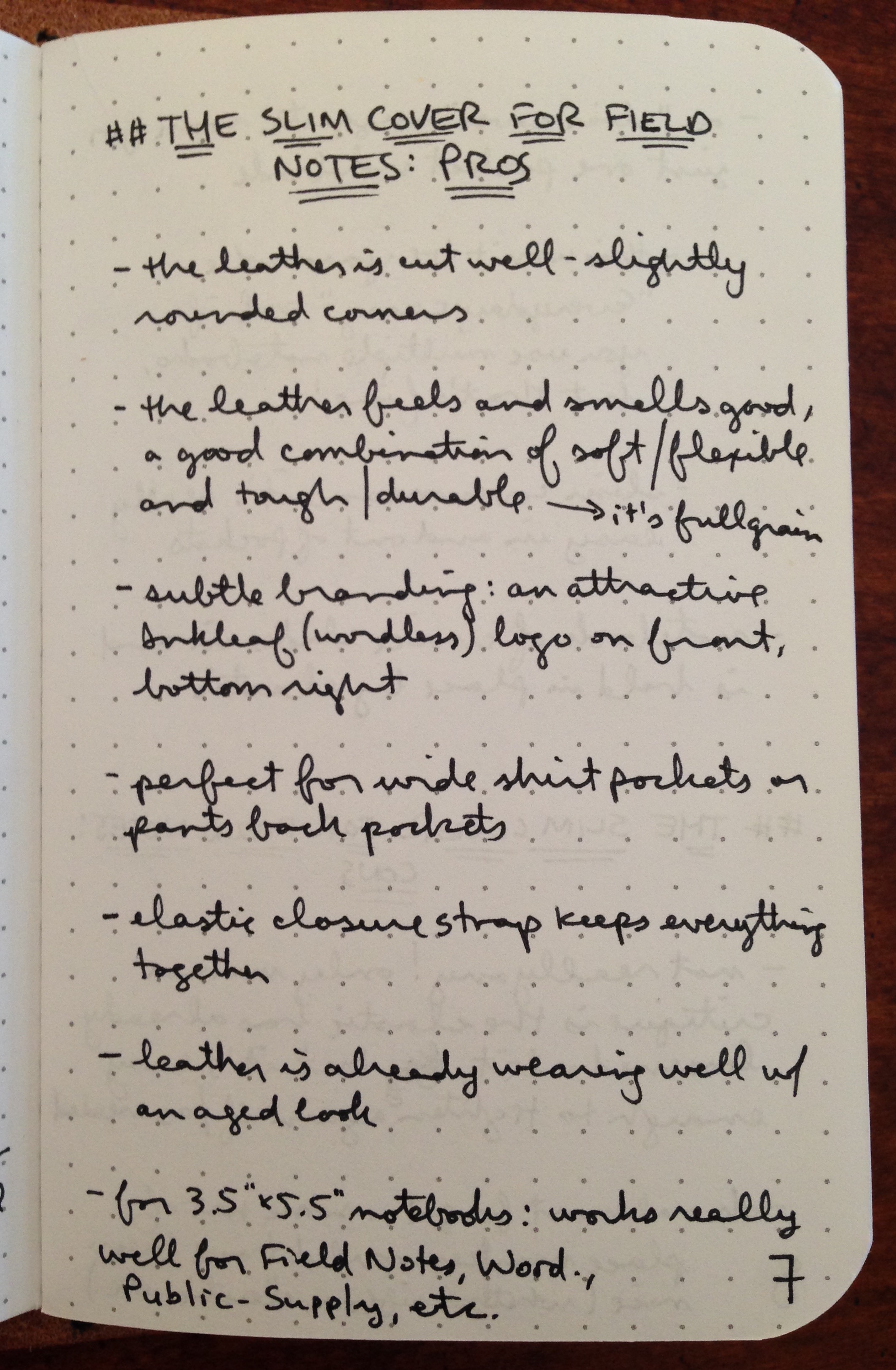
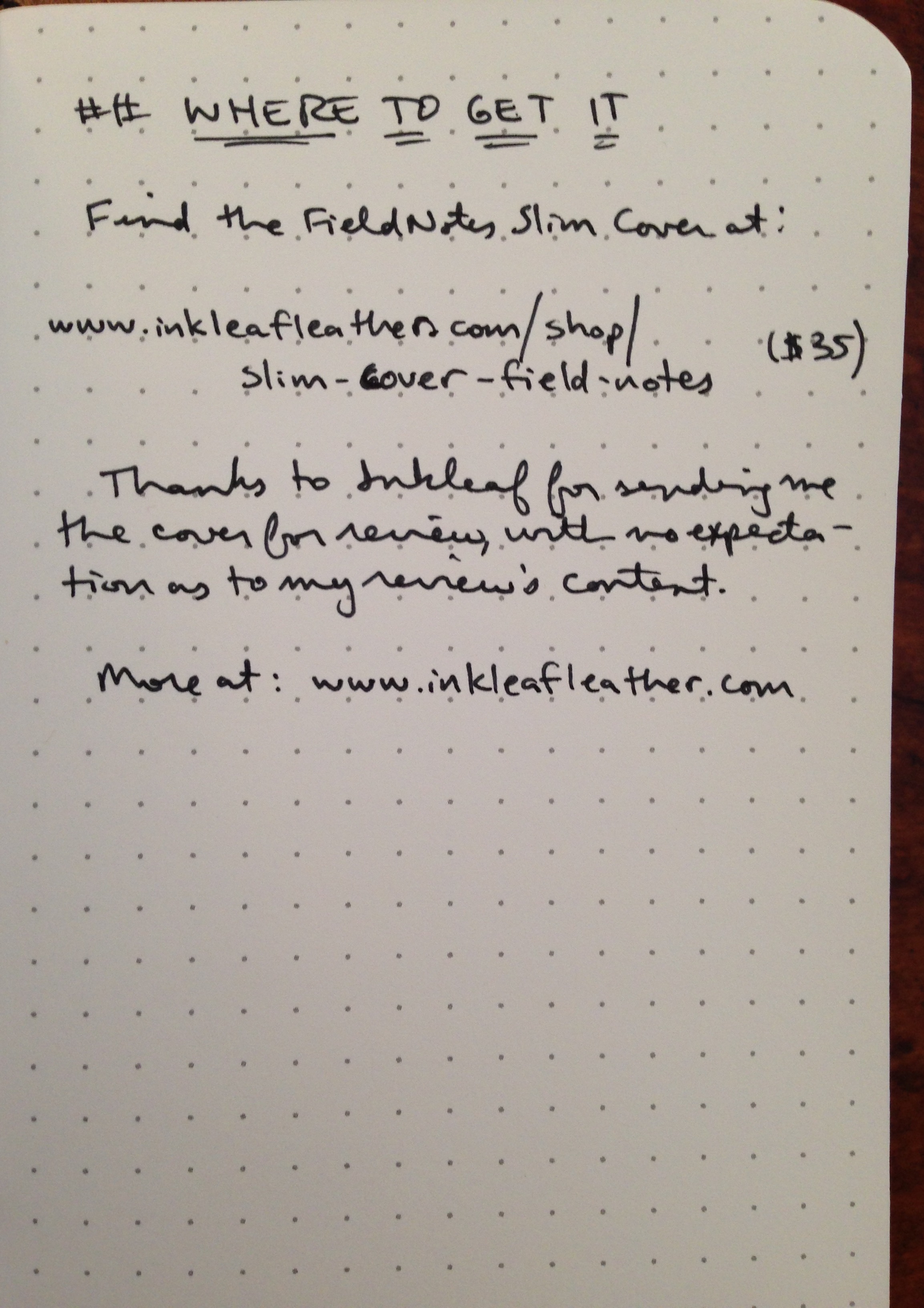
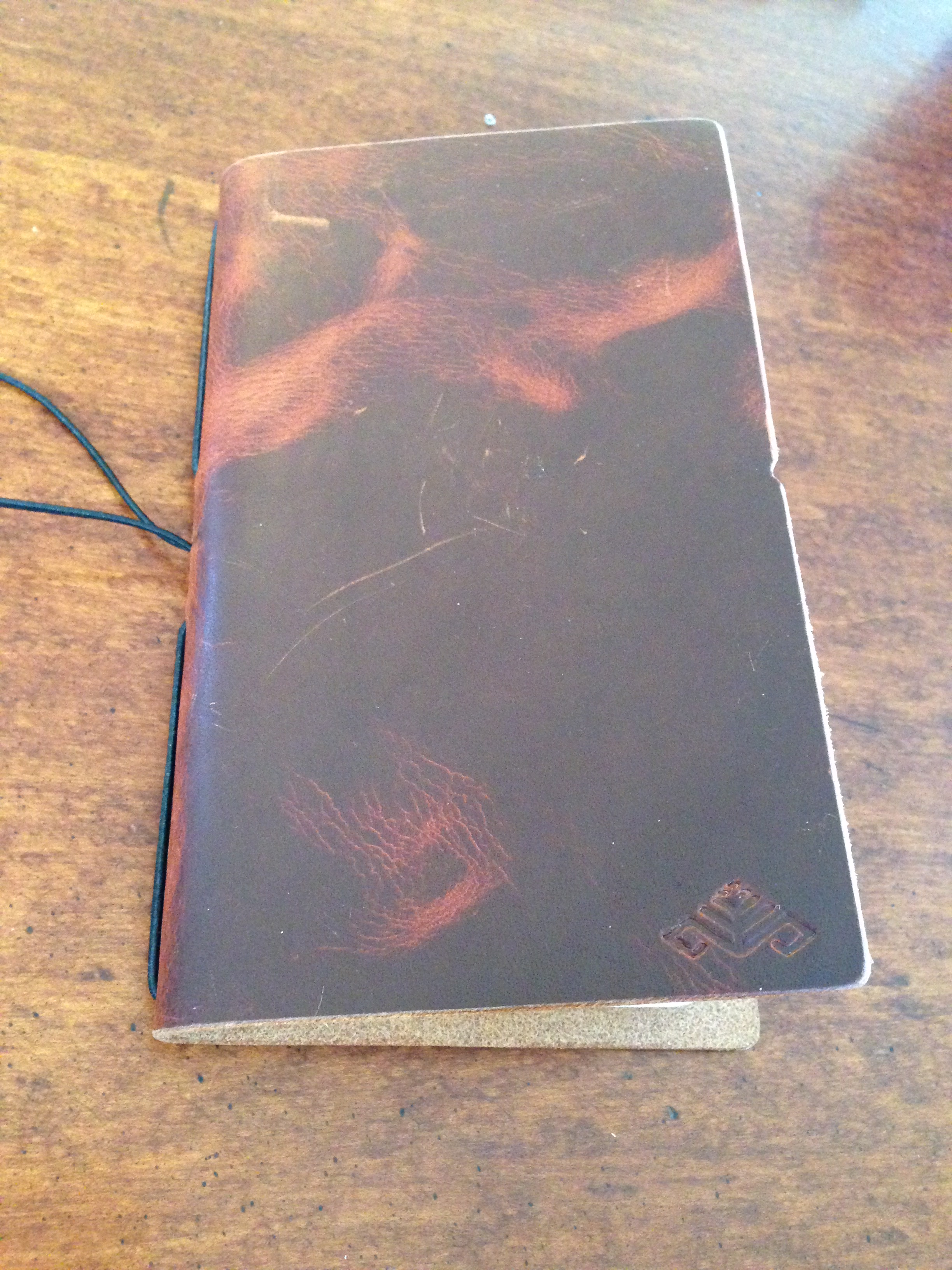
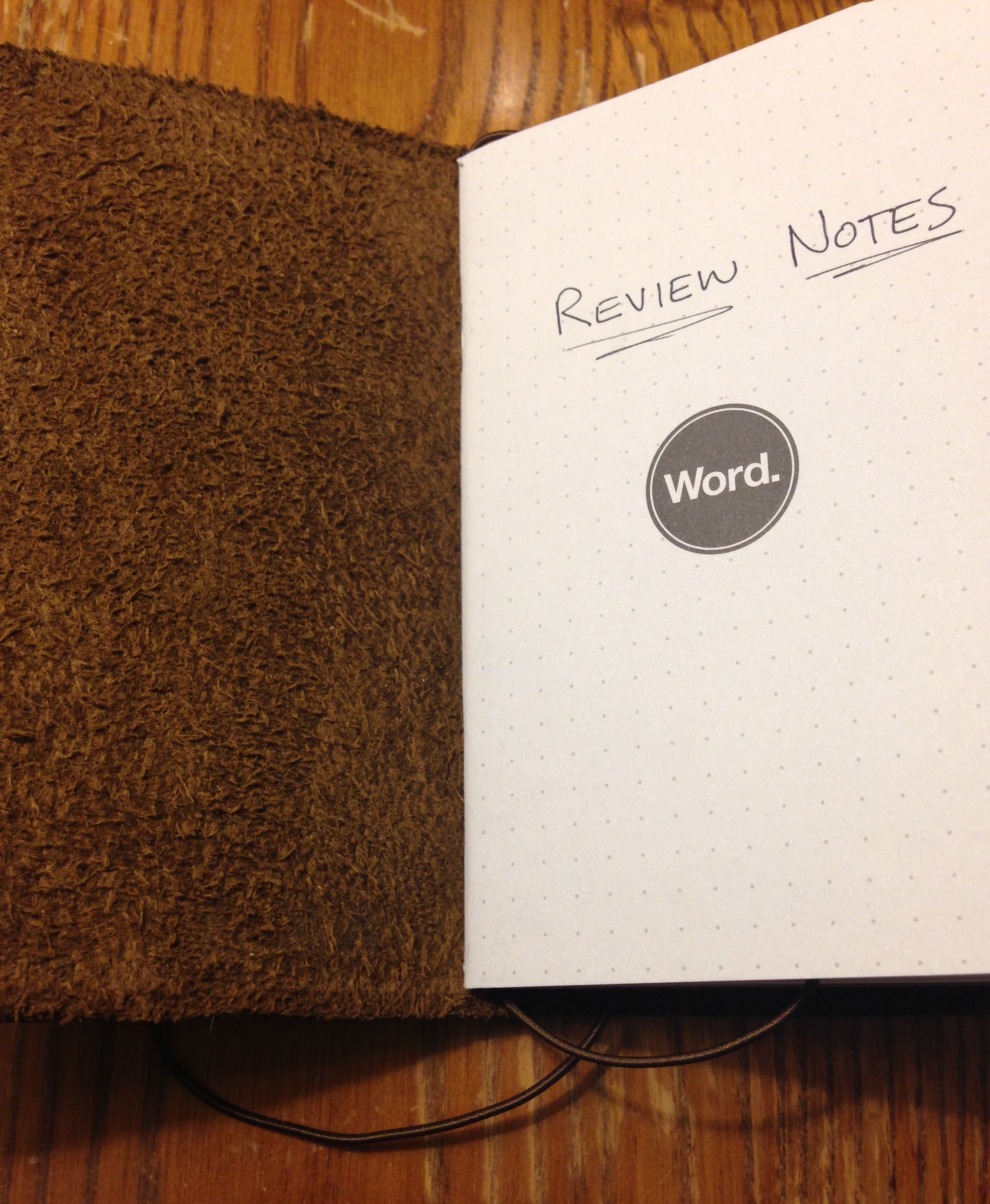
I wasn’t kidding about trying to write by hand more in 2016. To that end, I bring you my first handwritten review. Below I evaluate another Field Notes leather cover, this one the Slim Cover from Inkleaf.
And because my handwriting doesn’t hyperlink, after the images of my written review, I add the hyperlinks… and lots of pictures.
Day One is easily the best app for keeping a journal or life log–if you’re going to do it in a 1s and 0s environment, rather than on paper.
In this post I briefly review Day One. I’ll leave for another time the question of whether journaling by hand or by phone/tablet/computer is preferable. Okay, actually… I’ll answer that now: better to do it by hand, because… reasons. But Day One has photo capability, so it has served as a nice digital repository for me to chronicle my kids’ growing up, without having to post it on Facebook, etc.
Day One offers sync via iCloud, Dropbox, or their own sync service, so you can keep everything together on iPhone, iPad, and Mac.
I really like the layout, which allows you (much like in this blog, for example), to combine headings, text, and photos. Check out this sample entry on Day One for Mac:
You can even add an entry right from the menu bar, so that you can write down that brilliant insight before you forget it.
Your entries could be text, a (single) photo with text, location-based entries (that also pull in the weather automatically), meeting notes, day debriefs, etc. Each entry is automatically time-stamped. The possibilities are pretty robust, and folks use Day One in lots of different ways. The tags feature especially enables this, as you could use the built-in tagging system to sort by “journal,” “family,” “song lyrics,” “insights,” “questions,” and more.
My first question is–to the extent I use Day One as a sort of photo-journal (especially of the family), will having my info in a proprietary format some day cause issues? That’s always a possibility with software (score one for physical journals and photo albums), but Day One allows for PDF export, so you don’t really have to worry here.
You can also set a reminder so that Day One reminds you each day to write:
It looks and works really well on iPhone and iPad too.
If you want to try the app and really put it to use, Shawn Blanc has written a pretty thorough ebook: Day One in Depth.
You can find Day One for iOS here; the OS X app is here.
Also… if you want to wait a few days… Day One 2 releases this Thursday. I haven’t used the new app, but beta users seem to love it. You can check out what’s new in the FAQs here.
Thanks to the makers of Day One for the review copy of the app on Mac, given to me for this review but with no expectation as to its content.
I got them from my wife, who heard them somewhere:
Don’t yuck my yum.
That’s it. Don’t yuck my yum.
You may not like the only barely undercooked beans in this chili, or the grilled asparagus, or the salad greens because even though you chew them into a tiny million pieces you still manage to gag yourself on them–
Sorry… where was I? Oh, yeah–don’t yuck my yum.
You may not like this food, but I do, and it’s probably good for you. You’re welcome to not like it, but I find it yummy, so… no “yuck” allowed, please.
In my quest to write by hand more regularly, I’ve learned two things:
There are LOTS of companies that make 3.5″x5.5″ pocket notebooks, not least of which is Field Notes.
Not content to let those little notebooks exist unadorned, a number of folks have created leather covers.
One such company is ColsenKeane, a creator of custom leather goods. Their founder, Scott Hofert, believes in manufacturing high-quality goods that will last for a long time:
In our modern society, it’s next to impossible to find long-haul products. Passion-infused items crafted with fanatical detail. At ColsenKeane, we believe our leather pieces are creating form, function AND narrative.
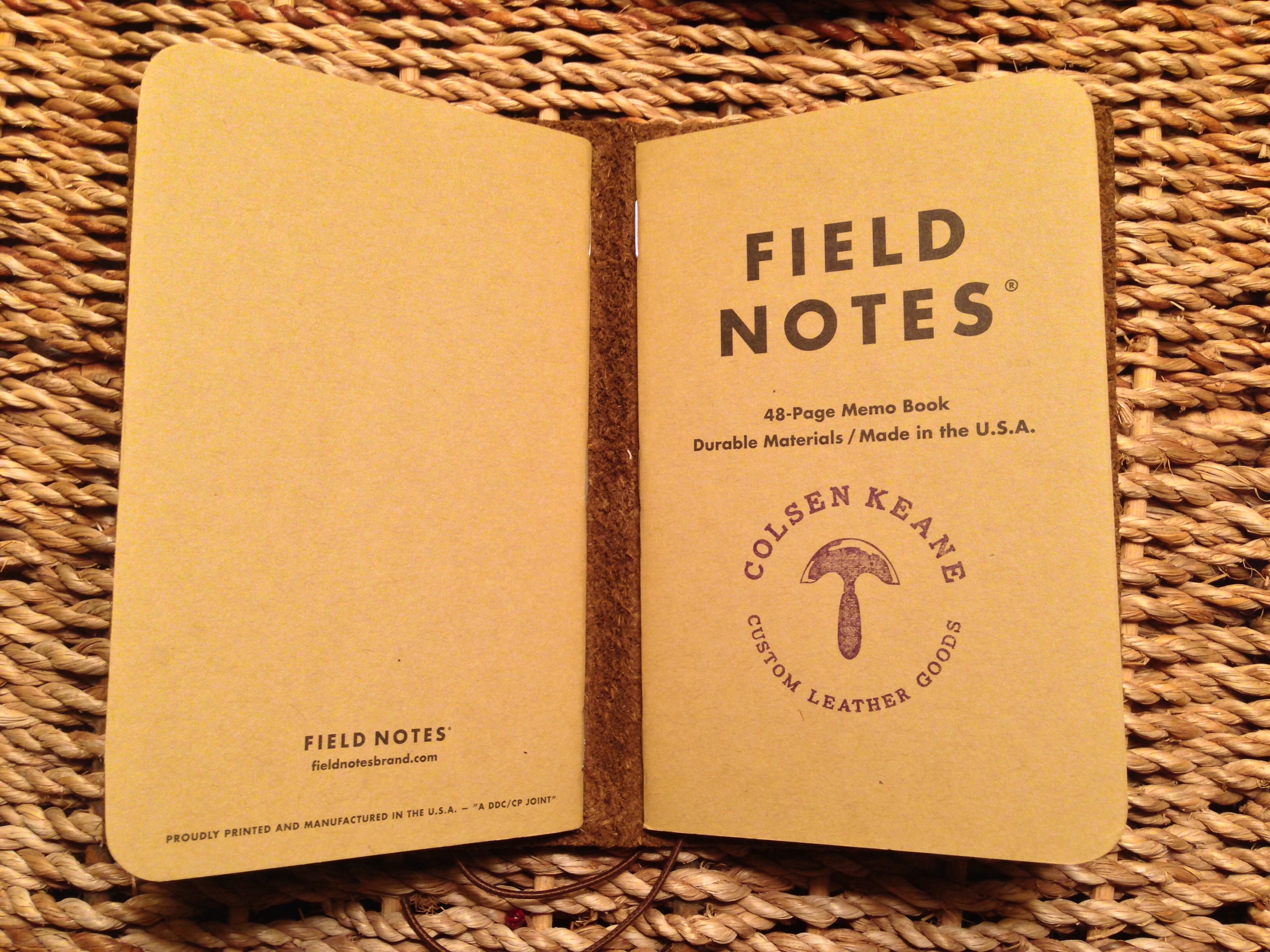
I’m grateful to ColsenKeane for sending me a Field Notes Cover so I can bring you this review. The color is “Brown Crazy Horse.”
* * * * * * *
You can tell these folks take delight in their work, a trait I appreciate. Here is what the packaging looked like:
wrapped
unwrapped
It was so well presented, I almost didn’t want to open it, but I ripped into it quickly enough.
It came with two Field Notes inserts. This is one of the salient features of this leather cover–it’s specifically intended for two notebooks.
Just because you can insert two notebooks doesn’t mean you have to. This is one of those how full do you like your wallet? questions. Avid notebook users will probably have more than one memo book, each for a different purpose. So I like the decision to set up the cover to be able to accommodate two notebooks.
There is an option for three-letter monogramming:
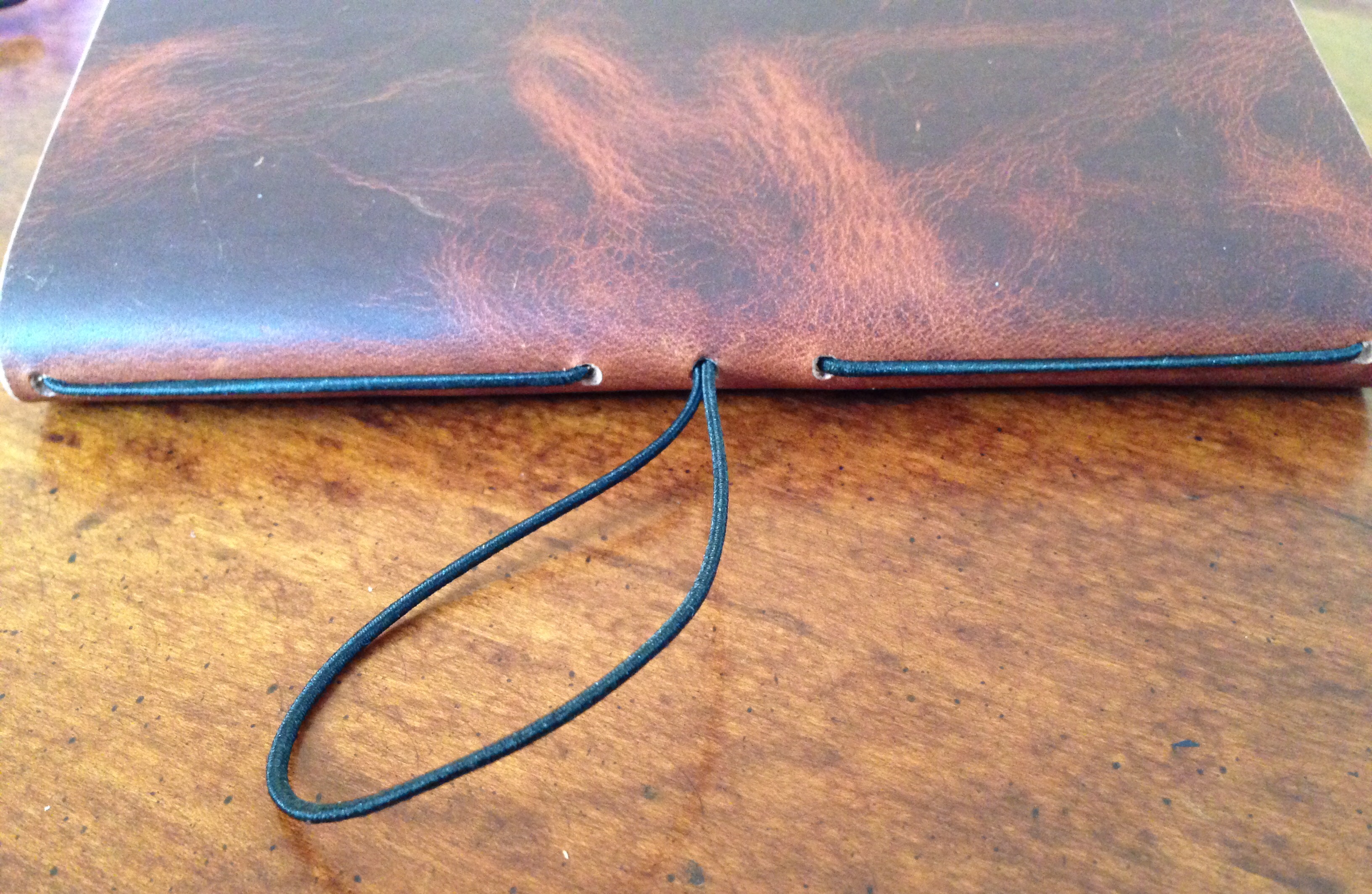
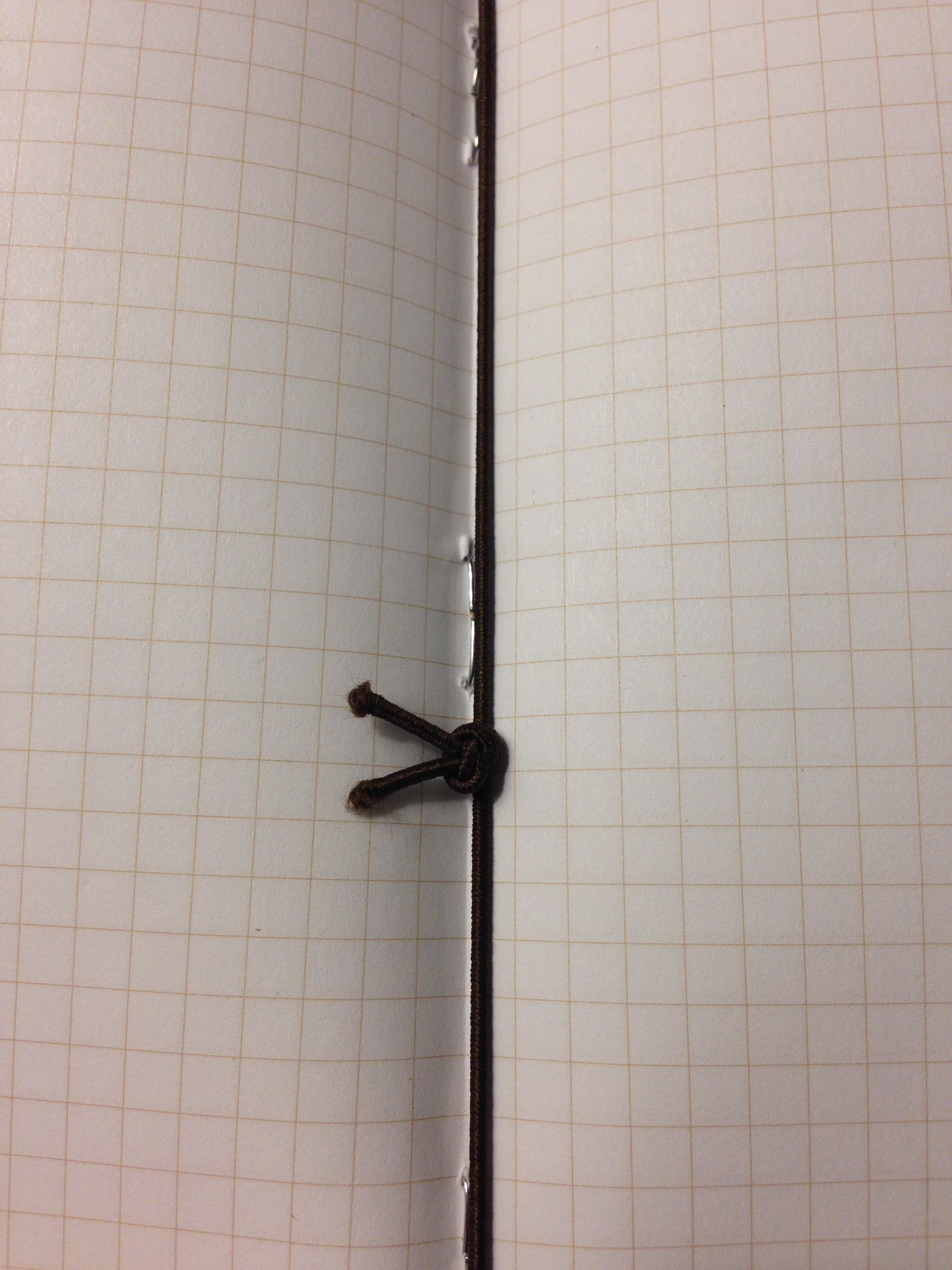
The elastic place marker is not something I would have known I’d appreciate, but I do:
Everything is held together by elastic. The leather, of course, will last for ages–the elastic may not. So far I’ve had no issues with mine, but ColsenKeane does sell replacement elastic (or you can get your own), if need be. Elastic and leather feel like a funny combination, but ColsenKeane has done a nice job of putting everything together.
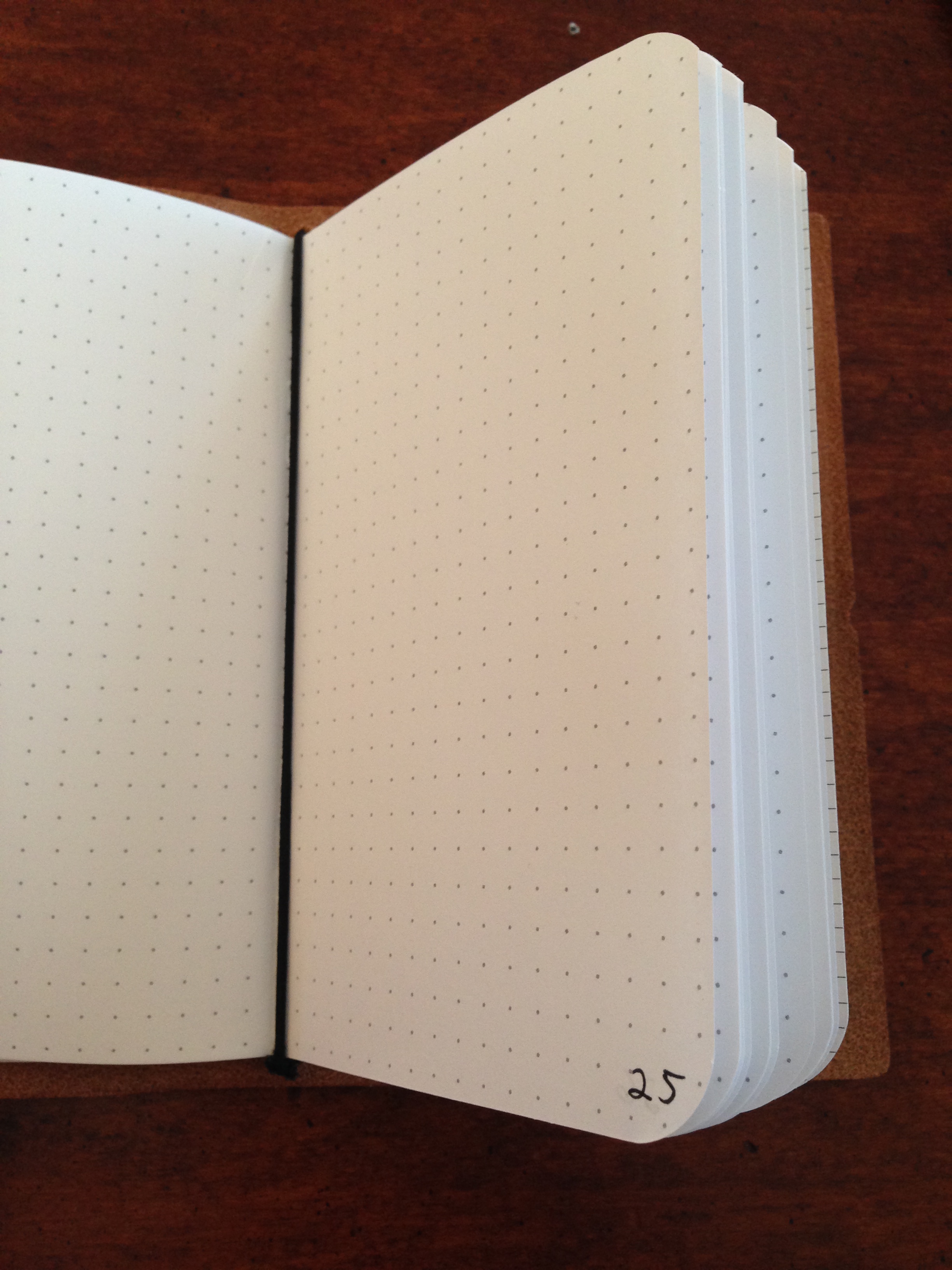
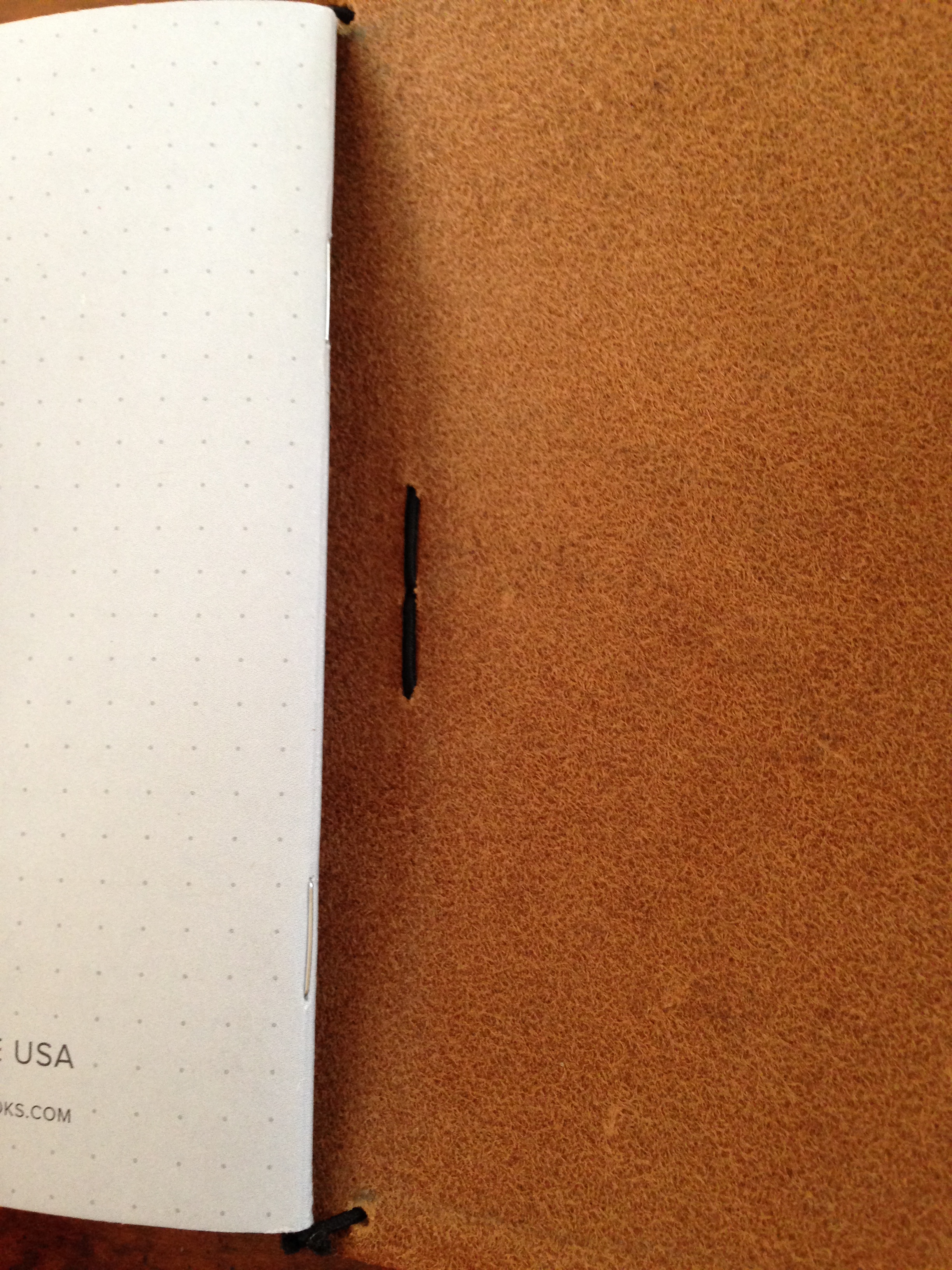
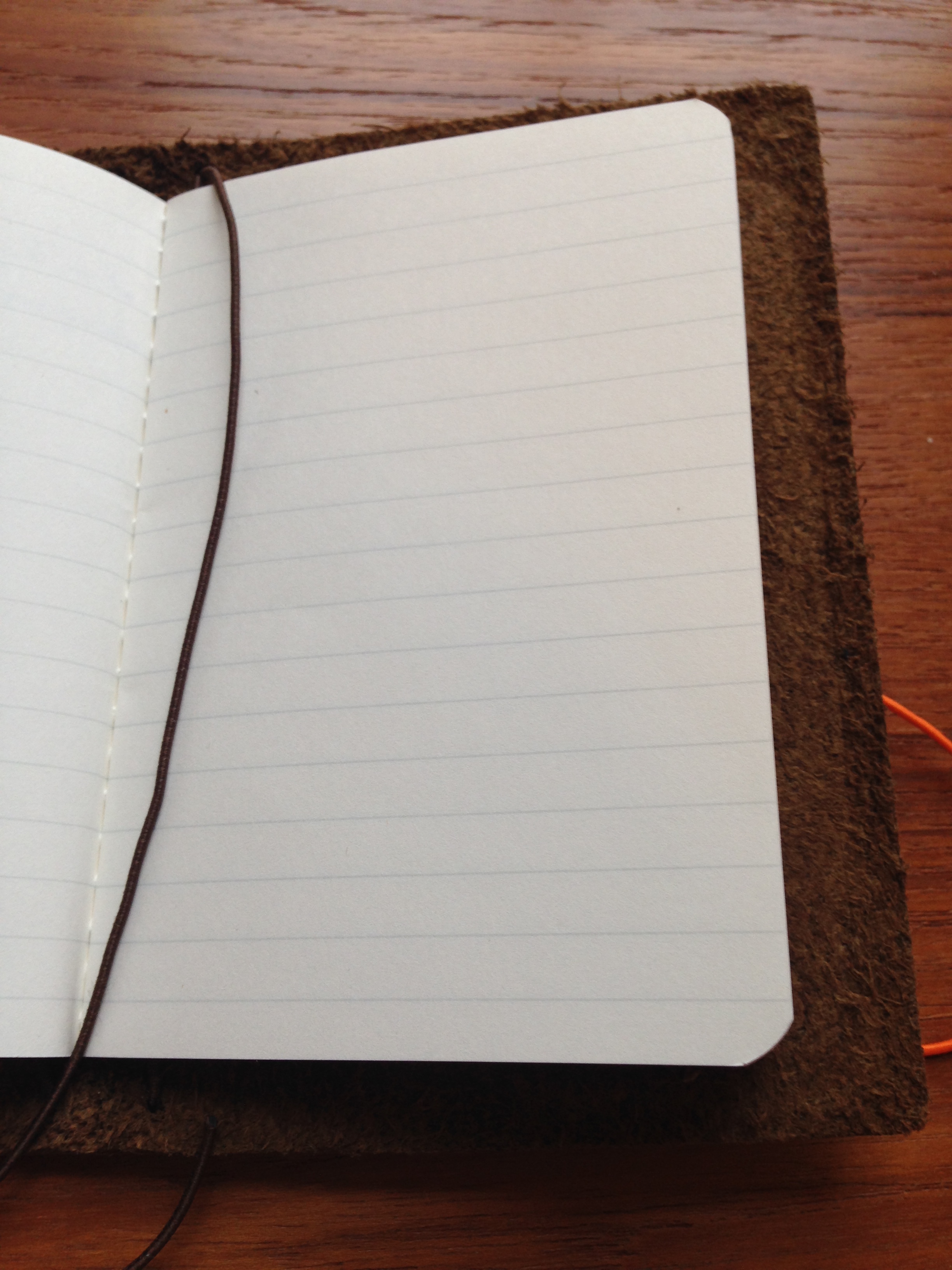
Let me show you in pictures–you basically just slide the open notebook into one of the elastic pieces, and it fits pretty securely.
The elastic closure to keep the notebook closed is probably not utterly essential, but it has a good job to do, especially if you’re putting the notebook cover in your pocket.
The leather cover works great for other non-Field Notes notebooks, too, especially if they’re 3.5″x5.5″:
The little Baron Fig Apprentice notebooks are 5 inches (not 5.5) high, so they’re a little looser, but they actually work pretty well in this cover, too:
Or you could mix and match:
There is no pen holder, per se, but it’s easy enough to clip a pen to the cover.
ColsenKeane’s Field Notes cover is really well constructed. Two thumbs up for that. Of course, you don’t need a leather cover for your pocket notebooks. Pocket notebooks do just fine in your pocket without leather covering them.
But the Field Notes cover looks really cool and smells and feels good, so I’ll keep using it, as long into 2016 (and beyond?) as my analogue kick continues. It is an awesome piece of workmanship, and enhances the writing experience, giving me another Pavlovian motivation to be on paper more and at the screen less.
Just a short post today to alert you to a new commentary on the book of Ruth: Daniel I. Block’s volume in the Zondervan Exegetical Commentary on the Old Testament. Ruth is just the third published volume in the series, formerly called Hearing the Message of Scripture. Block is the General Editor of the series.
I reviewed Block’s Obadiahhere. And Kevin J. Youngblood’s Jonah volume is probably the best commentary I’ve worked through on Jonah. (And there is no shortage of Jonah commentaries!)
You can learn more about the Ruth volume here. I’ll write about it again in due course.
If I’m not mistaken, this is the first iPad Air 2 case I’ve reviewed at Words on the Word. As with iPad Mini cases, there are a lot on the market–so many that one could easily get lost in the three-hour rabbit hole of trying to find just the right one.
I’m not sure I have found just the right one for the iPad Air 2. There are a couple that are close–I’ll share about those in due course.
In this post I review the KAVAJ iPad Air 2 “Hamburg” leather case in cognac/brown.
What’s Great About the KAVAJ Case
This is an ephemeral satisfaction, but the packaging in which KAVAJ sent the case was as classy as the case itself:
I really like the leather look and feel (and, of course, smell) of the case. (Current WordPress technology does not yet permit me to upload the smell to the blog.)
The stand system is secure and allows you to put the iPad at just about any angle you want. This is the best part about the case, as some others give you just two options, neither of which is quite the right angle. Here are some of the ways you can angle your iPad in the case:
There’s also room to set up an iPhone there, in case you want to toggle between iOS devices. That’s a nice bonus.
The case is light–when folded back and reading in portrait mode, it actually makes the device easier and more enjoyable to hold than on its own. Cases that combine usability in both keyboard/orientation mode and reading/portrait mode seem to be rare.
The stitching is good, too. It looks like it’s not coming loose any time soon. And the inside flannel is nice and soft–no worries about it scratching your screen.
What’s Not-So-Great About the KAVAJ Case
There is an auto sleep/wake feature with the magnetic closure, which is good, but it’s really hard to get at the sleep/wake button itself when the case completely covers it. What if you want to leave your iPad set up on the stand all morning and turn it off when you’re not using it? When the iPad is in the KAVAJ case, it is very hard, if not impossible, to do.
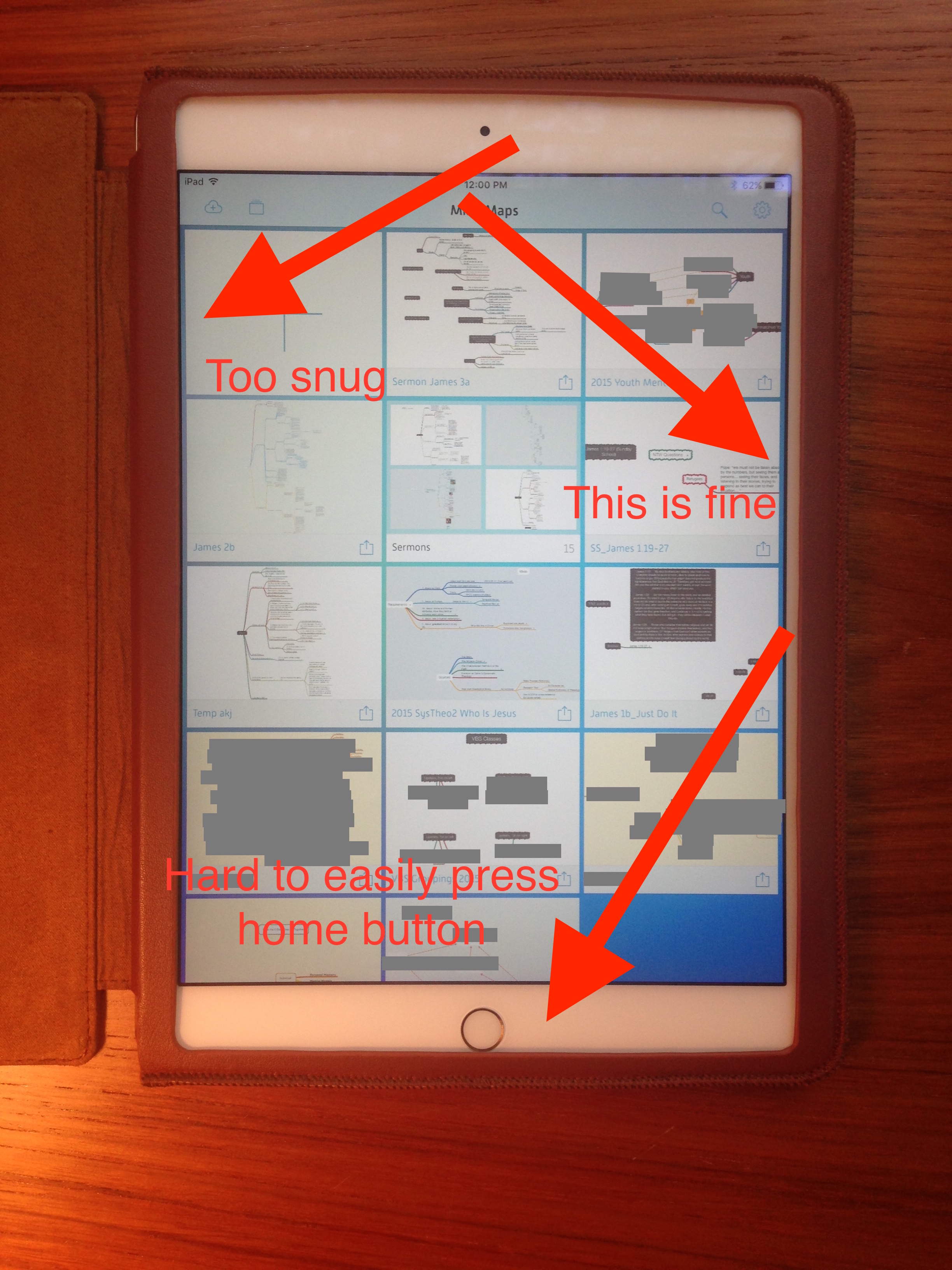
This next assessment may be picky on my part, but I think anyone looking for a good case for an iPad Air 2 is warranted in that: the casing is not 100% centered when placed around the iPad.
It covers the home button just a tad, so that any time you go to press the home button, you’re competing the case. This is not an insignificant hassle, especially considering the use of Touch ID.
Here are some images showing what I mean:
Also, the snugness and slight off-centeredness of the case makes sliding in or up from the edges of the screen almost impossible. I’m not sure how else they could have circumvented this with this kind of case, but it feels like a design flaw, or at least something that leads to unusability.
That said, leather stretches out over time. A good week in the case didn’t make a difference on this front, but maybe it would improve over a longer period of time.
Finally, the case leaves just a little bit of exposure to the edges of the iPad. This may be necessary for the slide-in feature to work, but it leaves iPad exposed at a couple key spots–you’re likely to get a dent if you drop it. (And the leather isn’t all that protective anyway–a trade-off for the aesthetic.)
Where to Get It
You can learn more about the KAVAJ case at their Website here. And it’s available on Amazon here.
KAVAJ provided me the case for the review, without expectation as to my review’s content.
I liked Star Wars: The Force Awakens a lot more than I thought I would. (See my bullet-points-only, spoiler-free review here.) I’ve just learned Amazon has a Blu-ray/DVD/Digital HD edition available for pre-order, for $19.99. Check it out here.
Check out these compelling lines from a 6th century Greek Orthodox hymnographer named St. Romanus the Melodist. He writes about Jesus’s first miracle of turning water into wine at Cana in Galilee:
When Christ, as a sign of His power, clearly changed the water into wine All the crowd rejoiced, for they considered the taste marvelous. Now we all partake at the banquet in the church For Christ’s blood is changed into wine And we drink it with holy joy, Praising the great bridegroom, For he is the true bridegroom, the Son of Mary, The Word before all time who took the form of a servant, He who has in wisdom created all things.





















 Words on the Word